Create
Your content scratchpad
— for every client
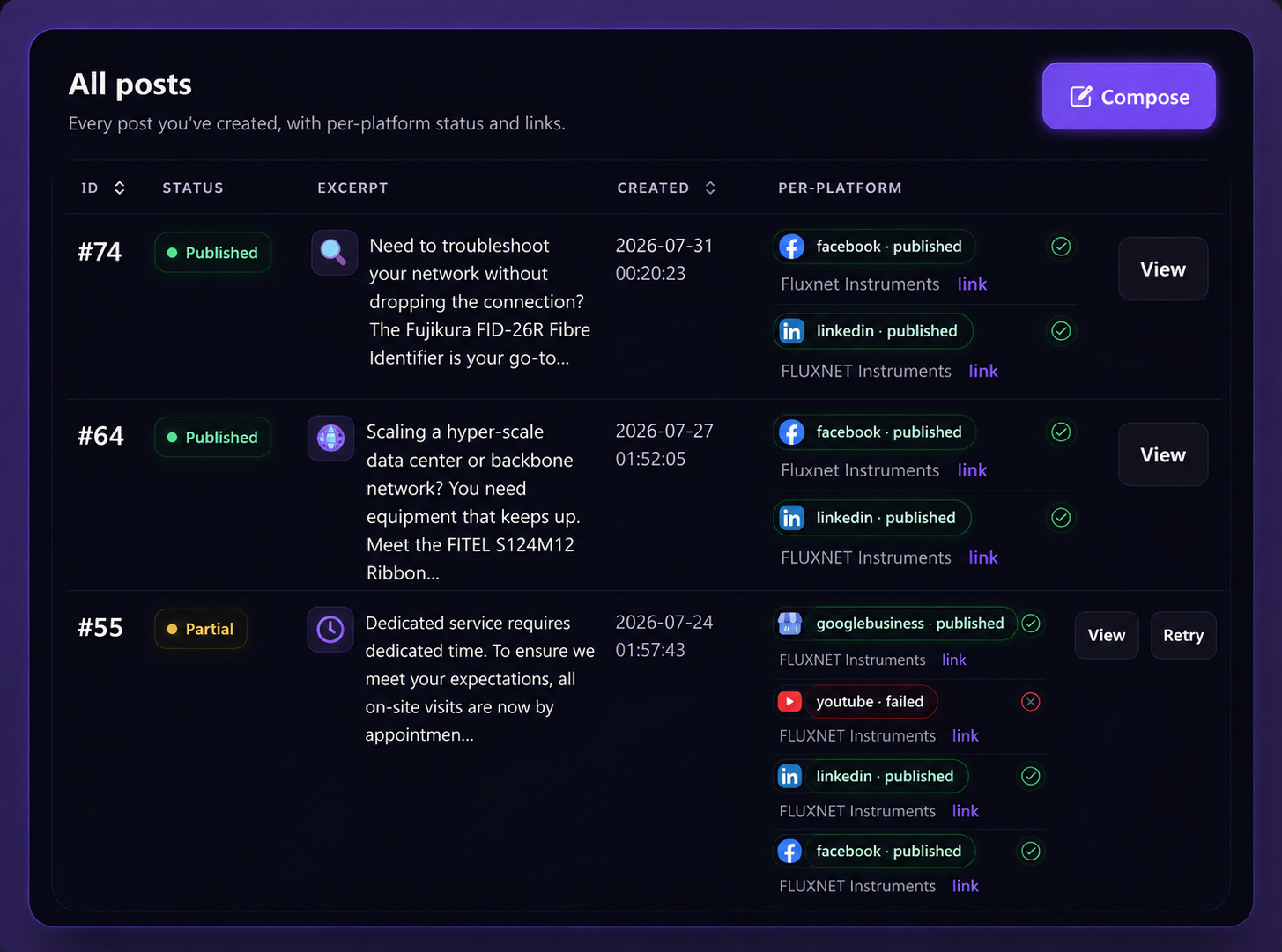
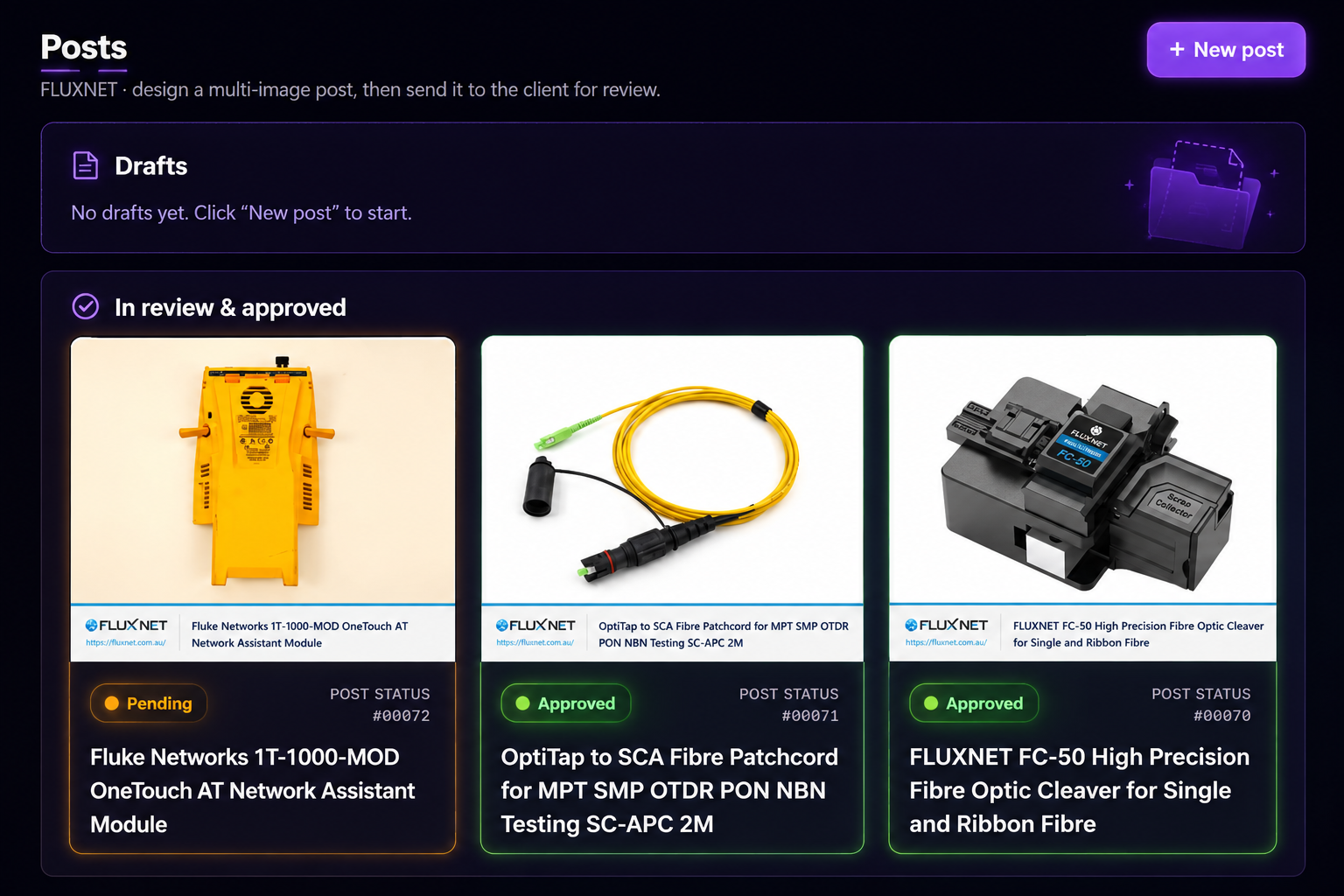
Dream up, gather, and polish content ideas for every client in one place — organized by project, ready to turn into a post.
Get started for free
Board view
From “Doing” to “Done”
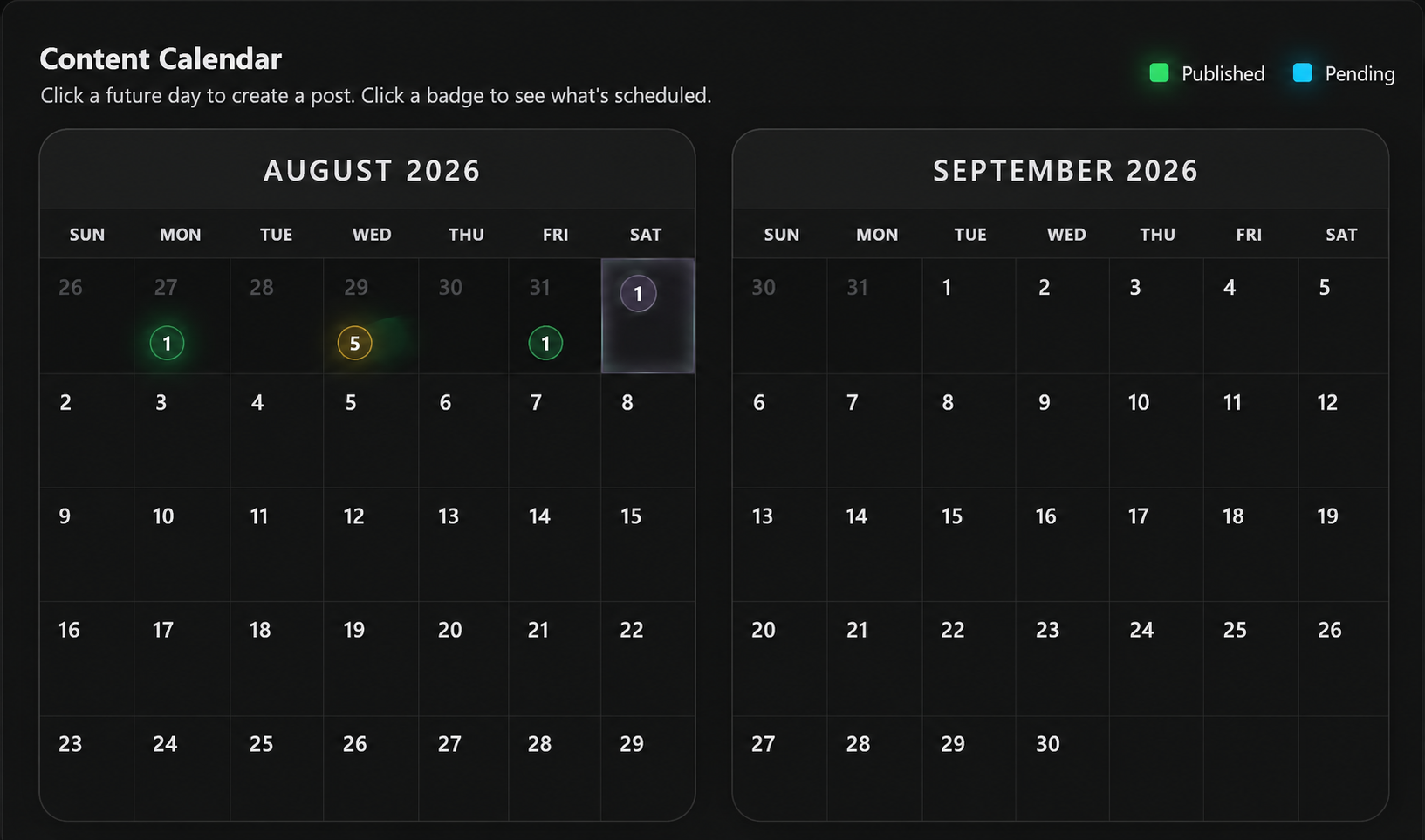
Keep every client's content moving with a visual, kanban-style board that tracks each stage, from idea to publish. Switch to calendar view when you need the big-picture look across every project.
Content management
Import, organize, and share in seconds
No matter where your ideas start, getting them into socials.ink is effortless. Import, organize, and manage content for every client — all in one place.
Get started for free- Import seamlessly — access your media directly from Dropbox, Google Drive, Canva, and more
- Stay inspired — connect RSS feeds to gather fresh ideas and news automatically
- Save ideas on the go — capture content you love from anywhere and drop it straight into a project
Content templates
Jumpstart your next post with proven ideas
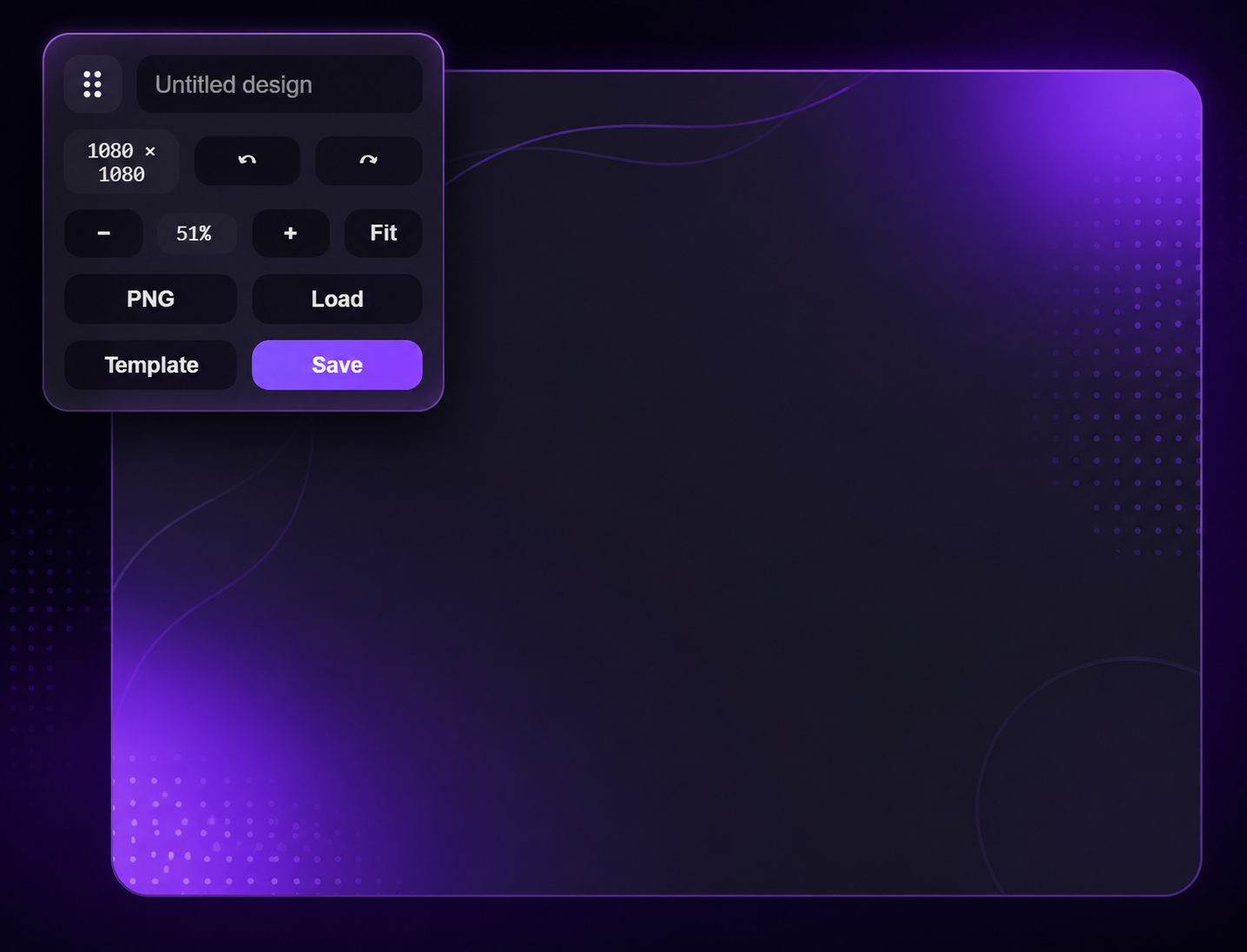
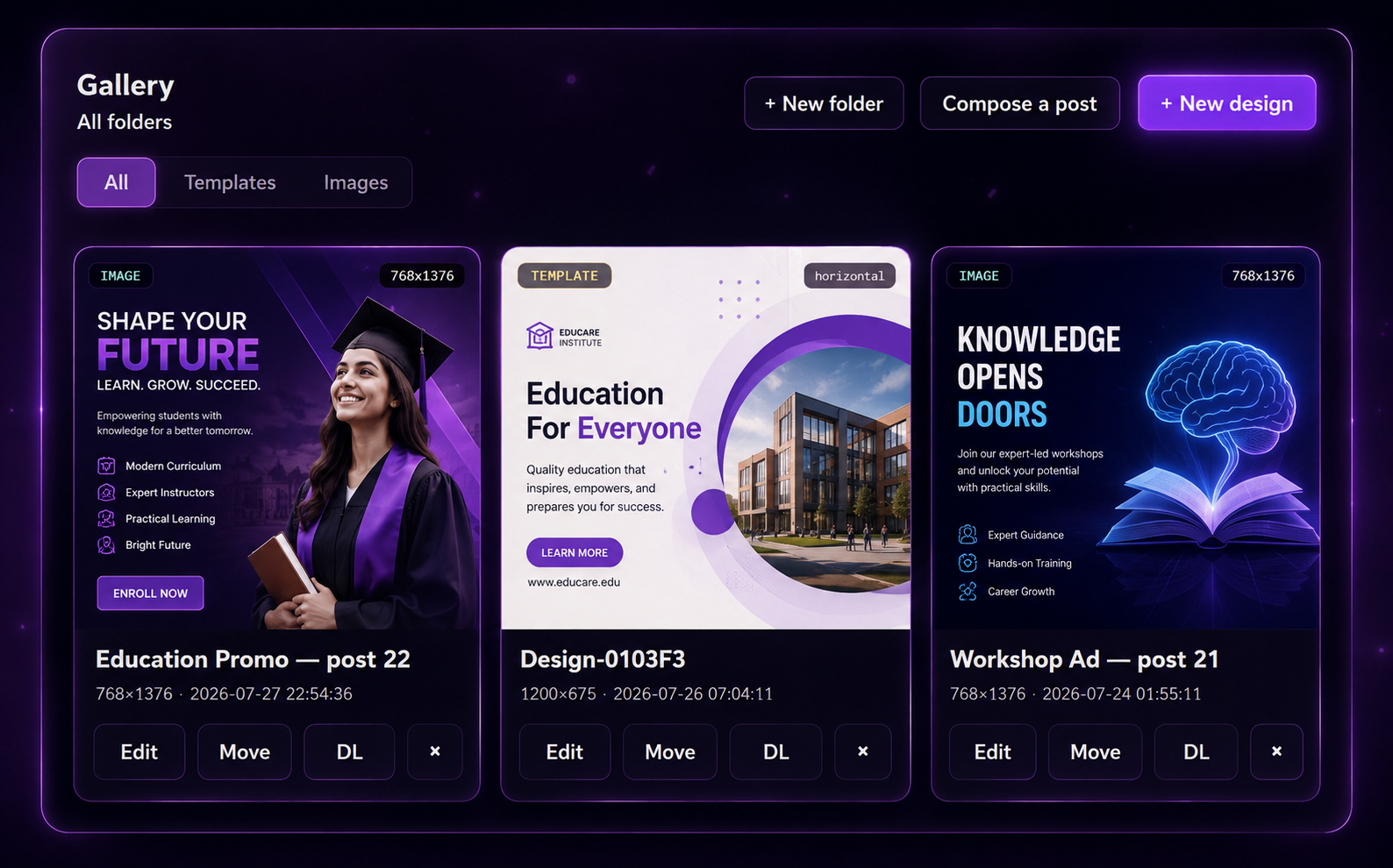
Save time and beat creative blocks with ready-made templates for every client. Whether you're launching a product, promoting a sale, or sharing behind-the-scenes content, find the perfect starting point.
Browse templates
What people are saying
As a full-time software engineer and part time content creator, I'm short on time. Socials.ink helps me visualize and prioritize tasks. It's great for recording initial ideas and keeping everything organized by status in one place, which really helps me stay focused without overloading my mind.
FAQs
What content can Socials.ink create?
Socials.ink can help you create any kind of content that gets you seen by your target audience. With our integrations, you can build eye-catching designs or simply add a gif. Write blog-style posts or one-line tweets. The full list includes: text posts, link posts, image posts, video posts, GIF posts, X (Twitter) threads, reels, carousels, stories, Start Pages, and Start Page updates. The key is that Socials.ink gives you feedback on what's working, so you can produce content that's high-quality and engaging.
Where can Socials.ink share my content?
With Socials.ink you can plan, schedule, and share your content to Instagram, TikTok, Facebook, X (Twitter), Pinterest, LinkedIn, YouTube Shorts, Google Business Profiles, Bluesky, Mastodon, Threads, and Start Page — all from one simple dashboard. Learn more in our Help Center.
Can Socials.ink make my posts go viral?
While Socials.ink alone can't make you go viral, it gives you every tool you need to skyrocket your engagement. You'll be able to share content often, at the optimal times. Use the right hashtags so your post gets seen. Cross-post across platforms to boost views, and engage with your community to grow your reach.
Can I use Socials.ink's content creation tools for free?
Yes, our free plan is perfect for individuals and businesses just getting started with social media. Connect up to 3 social media channels and schedule up to 10 posts per channel at a time, with no monthly or yearly limit. Free plan users can create up to 100 ideas. Customers on Essentials or Team plans can create up to 2,000 ideas per organization.
What integrations can I use with Socials.ink's content creation tools?
Socials.ink integrates directly with the most popular content management, storage, and creativity tools. Use Dropbox, One Drive, Google Drive, or Google Photos to pull in the perfect photo or image from your library. Or use our Canva or Unsplash integrations to create your own graphics or import a stock photo, all from within Socials.ink.
Content Templates
Grow your social presence with confidence
Get started for freeNo credit card needed. Free forever.