
Socials.ink

Preview
Mail 2 Post

Snap it. Email it. It's posted.

Snapped a photo at an event? Email it to publish@socials.ink with a subject and a short note — we'll turn it into a finished post: a cover image plus a written caption, sent back to you to review, edit, and publish.

Learn more
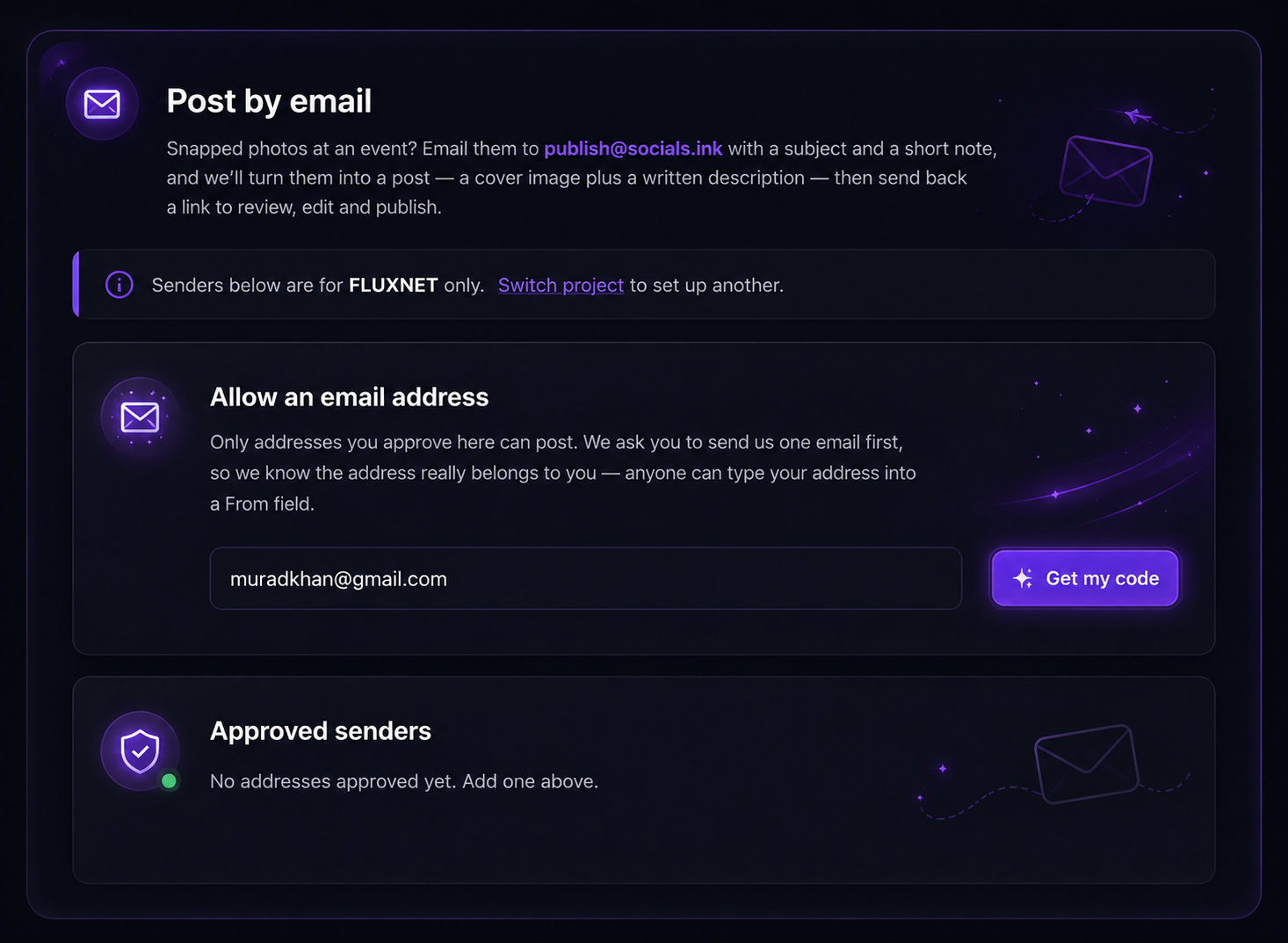
Mail 2 Post — approved senders and email settings
Preview

Why teams love Mail 2 Post

No app, no login, no extra steps — just send a photo and let socials.ink handle the rest.

Post straight from your inbox

No app to open, no dashboard to log into. Snap a photo, attach it to an email, and send — that's the whole workflow.

Automatically on-brand

Your subject line and short note become a finished cover image and caption, styled to match your project's brand kit.

Only approved senders

Every project has its own publish address. Only email addresses you've approved can send posts in — no surprises.

You review before it's live

The finished post comes back to you first — edit the caption, swap the image, or approve it as-is before it publishes.

Preview
Mail 2 Post

Post better, together

Snap a photo, email it in, and let socials.ink handle the rest — an on-brand cover image and caption, ready for you to review and publish.

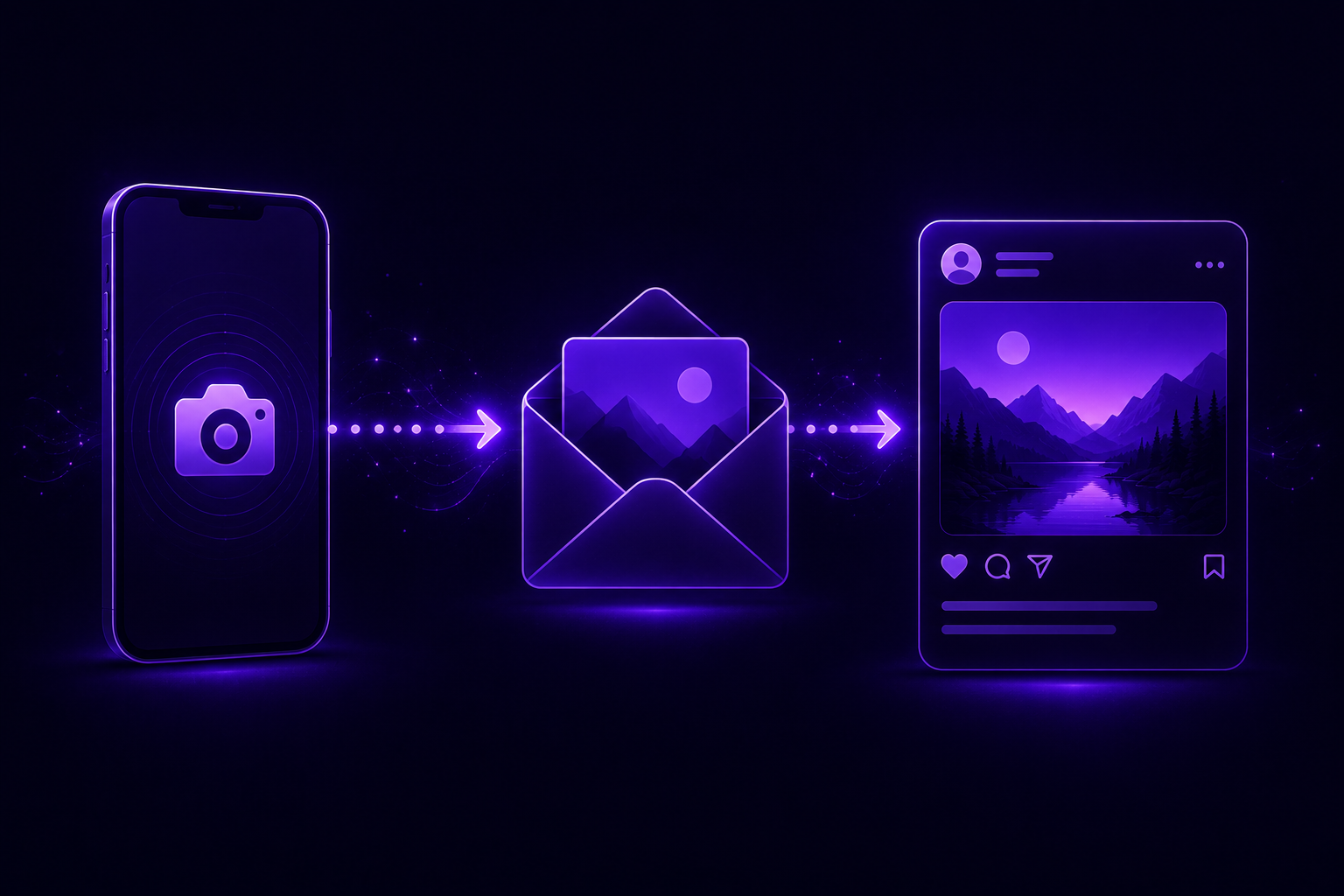
Mail 2 Post — send a photo by email, get back a finished post
Preview
Mail 2 Post — send a photo by email, get a ready post
From email to post

Your inbox is your content studio

No app to open, no dashboard to log into. Attach a photo to an email, add a short note, and socials.ink turns it into a ready-to-publish post — cover image and caption included.

Get started for free
Preview
Review & publish

Your post, ready before you even ask

No back-and-forth, no waiting on a designer. The moment you hit send, socials.ink drafts the cover image and caption — you just open the link, tweak if you like, and publish.

Get started for free
Mail 2 Post — post ready to review and publish
Preview
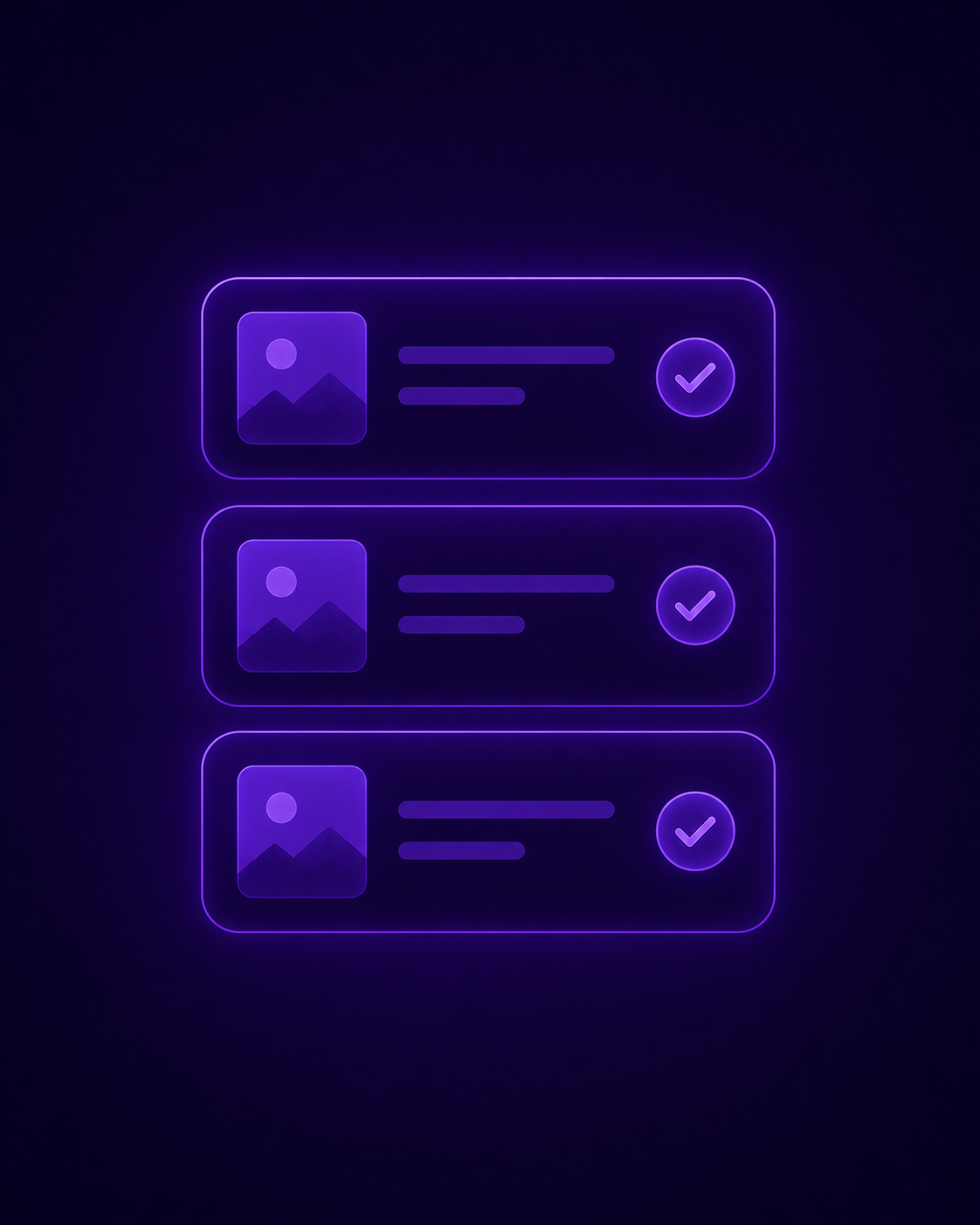
Mail 2 Post — every post organized in one place
All in one place

Every post you send in, right where you can see it

No hunting through old emails. Every post you send by mail lands in one organized queue — see what's pending review, what's approved, and what's already live.

Get started for free
Preview

Mail 2 Post is a lifesaver during events. I just email a photo from my phone and by the time I'm back at my desk, the post is already drafted and waiting for me to approve.

SK

Sadia Khan

Preview
Preview

FAQs

How do I set up Mail 2 Post for my project?

Open your project settings and go to Mail 2 Post. Approve at least one sender email address, then send a test photo to publish@socials.ink with a subject line and short note.

Who is allowed to send in a post?

Only email addresses you've approved in "Approved senders" can post to a project. We verify each address with a one-time confirmation email before it's added, so no one can post just by typing your address into a From field.

What happens after I send the email?

socials.ink reads your subject and note, builds a cover image and caption, and sends you back a link. Nothing goes live automatically — you review it first, make any edits, and publish when you're ready.

Can I edit the post before it publishes?

Yes. The link you get back opens the draft in your project, where you can swap the image, rewrite the caption, or adjust anything before you approve and publish it.

Can I use Mail 2 Post for more than one project?

Yes — each project has its own approved senders and settings. Use "Switch project" from the Mail 2 Post screen to set up another project's inbox.

Preview

Post from anywhere, without opening an app

Get started for free

No credit card needed. Free forever.