Socials.ink

Publish

One dashboard,
every client's channel

Schedule and publish content for every client at the ideal time β€” Facebook, Instagram, TikTok, LinkedIn, Threads, Bluesky, YouTube, Pinterest, Google Business, and X, all from one unified workspace.

Get started for free
socials.ink publish calendar across every client channel

Connect your
favorite accounts

Share at the perfect time

Set a posting schedule based on the best times to post β€” for every client, on every platform.

Stay on-brand, every platform

Each client's Brand Kit shapes every post automatically β€” the right colors, voice, and format for every channel.

See what's coming up

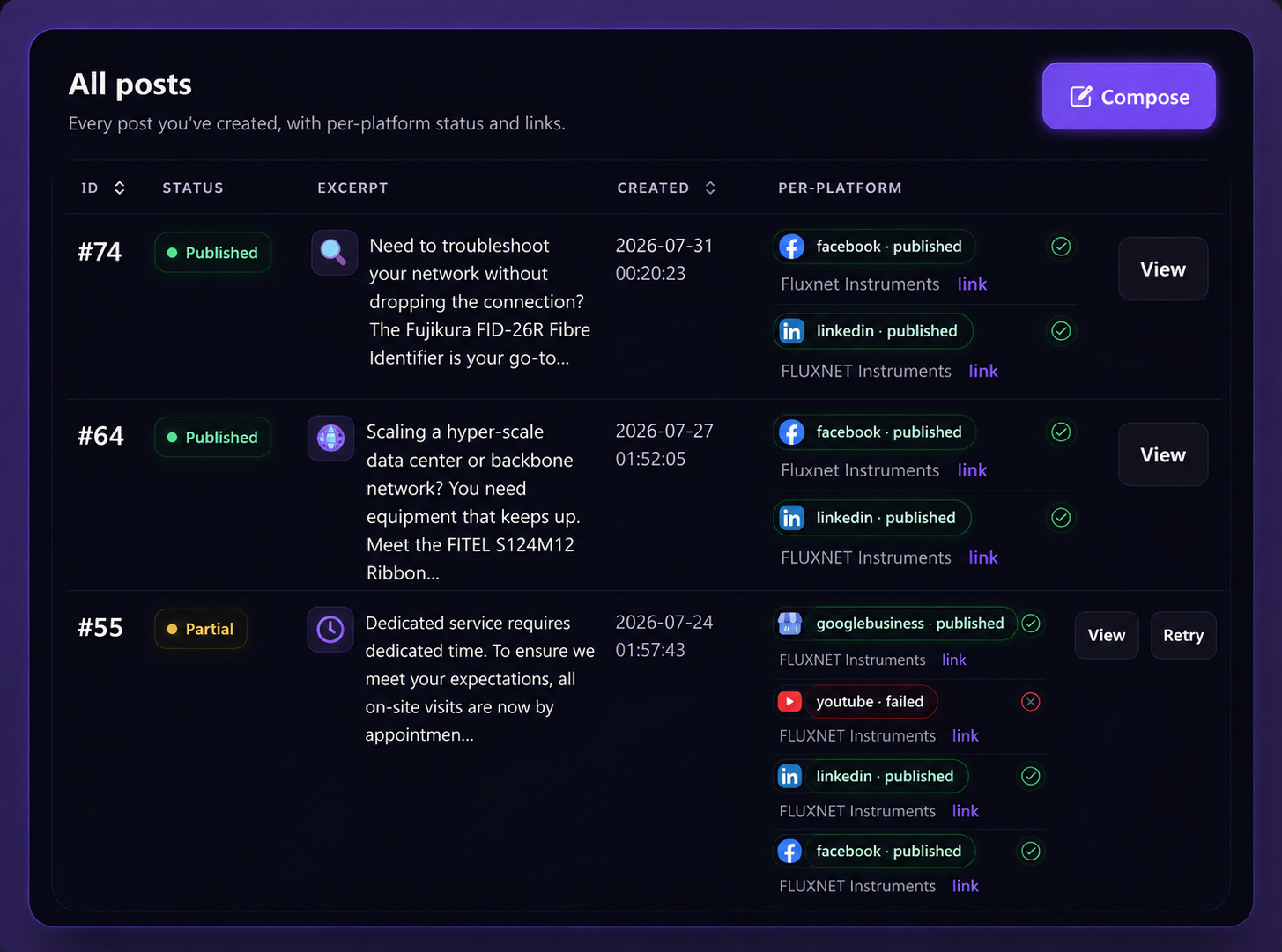
Get a clear view of every client's content calendar β€” published, pending, and awaiting approval, all in one place.

Create faster with AI

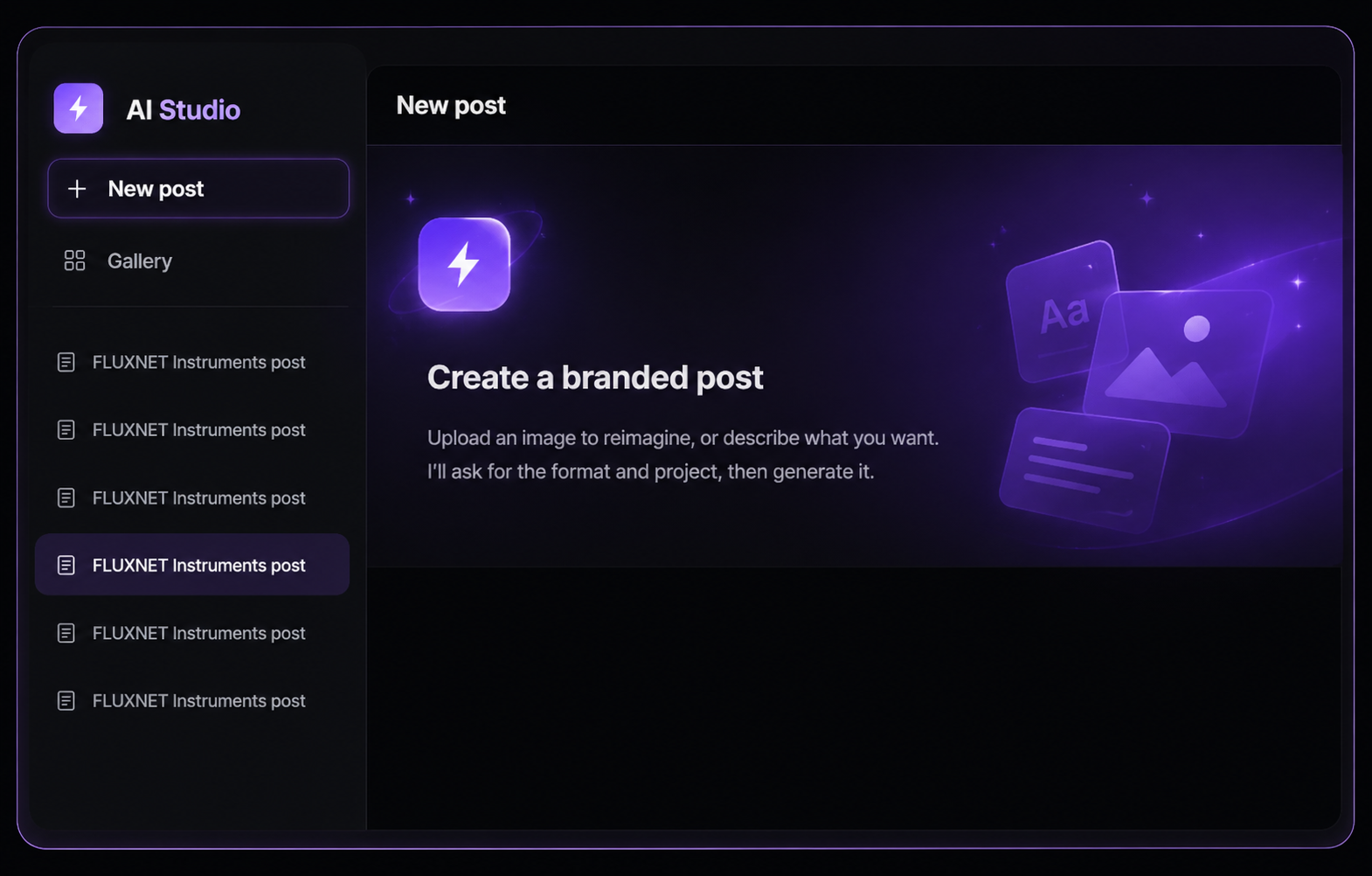
Describe the post or drop in a reference β€” AI Studio generates an on-brand image and caption in seconds.

Customize

Craft the perfect post for every client

Build platform-specific content from one intuitive editor β€” no double work, no copy-pasting between tabs.

Get started for free
  • Schedule threaded posts, videos, carousels, and more
  • Auto-publish or get a reminder to finish the post natively β€” per client, per platform
  • Auto-add a first comment with hashtags or a link, every time
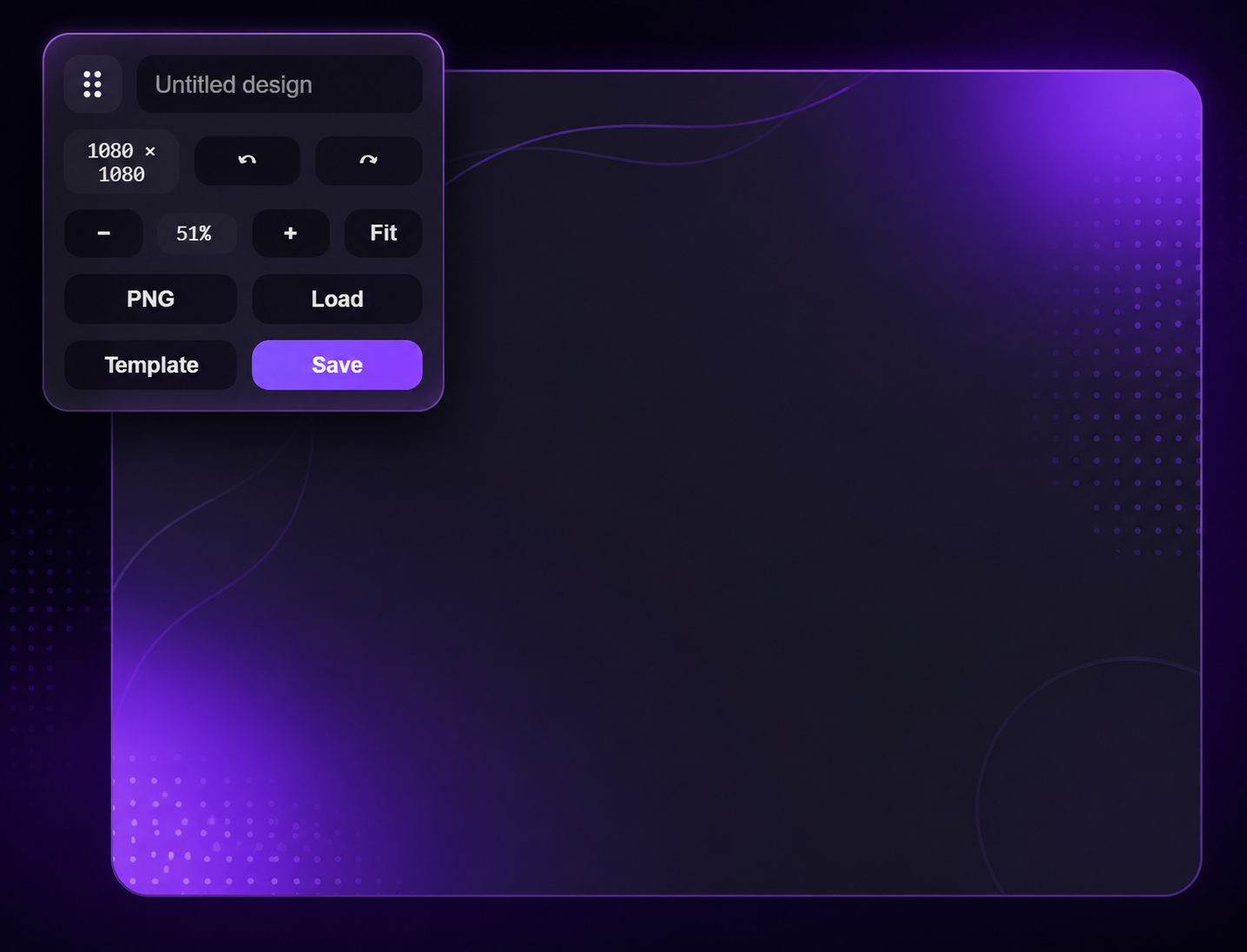
socials.ink Designer β€” platform-specific post editor
socials.ink AI Studio generating an on-brand post

AI Studio

Write smarter, across every client

Let AI Studio fine-tune your content in seconds β€” rephrase, shorten, expand, or match the tone to each client's brand voice.

Learn more

Apps and integrations

Share everywhere from anywhere

Connect all your social accounts and share content with just a few clicksβ€”on your desktop or phone.

Get started for free
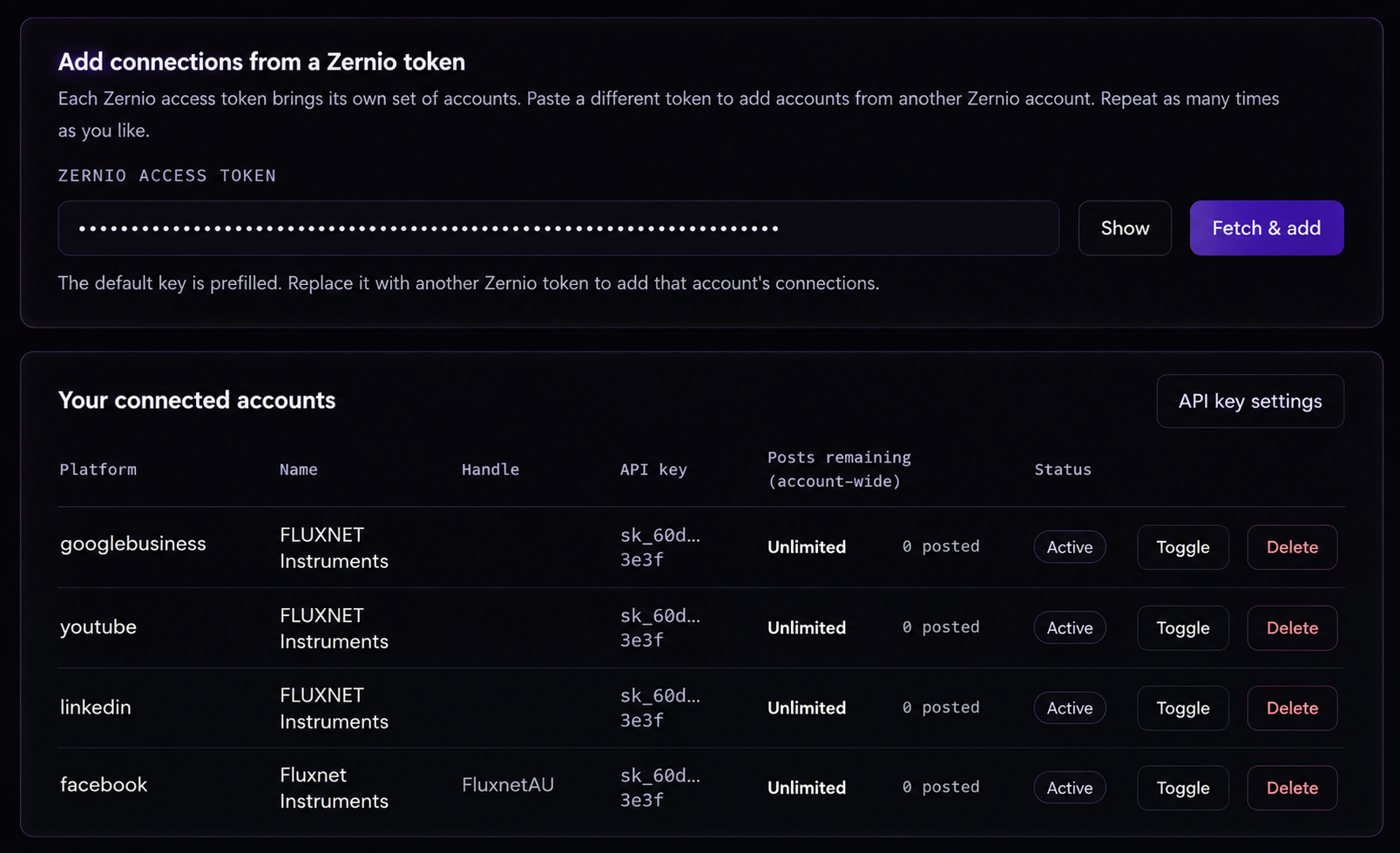
socials.ink post publish view with social media channel selector and previews for each channel.
Managing five client accounts used to mean five different tabs and a spreadsheet holding it all together. socials.ink turned that into one dashboard β€” I finally know what's scheduled, what's pending approval, and what needs my attention today.
MB Miraal Batool

FAQs

What is socials.ink?

socials.ink is a unified command center for agencies and freelancers managing social media for multiple clients β€” one workspace to create on-brand content, get client approvals, publish everywhere, and reply to every message.

How does socials.ink help me manage multiple clients?

Every client gets their own project workspace with a separate Brand Kit, content calendar, and client portal. You can switch between projects instantly, and each one keeps its own accounts, approvals, and history completely separate.

Which platforms can I publish to?

You can plan, schedule, and publish to Facebook, Instagram, TikTok, LinkedIn, Threads, Bluesky, YouTube, Pinterest, Google Business, X, Snapchat, and Reddit β€” all from one dashboard.

What is AI Studio, and how does the Brand Kit keep it on-brand?

AI Studio generates on-brand images and captions from a short description or a reference image. Each client's 15-field Brand Kit β€” colors, logo, voice, and business details β€” feeds every generation automatically, so output stays on-brand without you re-explaining it each time.

How does the Client Portal work β€” do clients need to create an account?

No account needed. You share a password-protected link with your client, and they can approve, request changes, or comment on posts directly β€” no sign-up, no onboarding.

What is Replai, and how does the AI inbox handle multiple client voices?

Replai pulls every DM and comment from all your connected client accounts into one inbox and drafts a reply in that specific client's brand voice β€” so you can review and send in seconds instead of switching between accounts.

What is Mail 2 Post?

Snap a photo at an event and email it to your project's Mail 2 Post address, with a subject and short note. We turn it into a cover image plus a written caption, then send back a link so you can review, edit, and publish.

How do Competitor Reports work?

Paste a competitor's Facebook, LinkedIn, or Instagram URL and set how many posts to analyze. socials.ink generates a full report β€” stored as a PDF, a JSON summary, and a zip of every image and payload β€” that you can save or use straight in a client pitch.

How many client workspaces can I manage on each plan?

Starter includes 1 project workspace, Growth includes 5, and Agency includes 12 β€” each with its own Brand Kit, calendar, and client portal. See the full breakdown on our Billing & Pricing page.

Can I export a client's brand knowledge for use in a chatbot?

Yes. Each project keeps a knowledge base you can export as a unique URL β€” ready to drop in as system prompt context for any AI chatbot, so it always answers with accurate, on-brand information.

Can I control what my team members can access?

Yes. Invite team members and assign them only to the specific client projects they work on. Every action β€” creating, approving, or editing a post β€” is logged in a complete audit trail, with who did it and when.

How does billing work β€” can I change plans later?

Plans are flat and all-in-one, with no per-seat or per-channel surprises as you add clients. You can upgrade, downgrade, or cancel any time from your billing settings, and invoices are generated automatically.

Grow your social presence with confidence

Get started for free

No credit card needed. Free forever.