Socials.ink

Client Portal

Private access. Zero friction.

Share a single password-protected link — no account, no login, no learning curve. Clients review posts, request changes, or approve with one click, right from their own private portal.

Get started for free
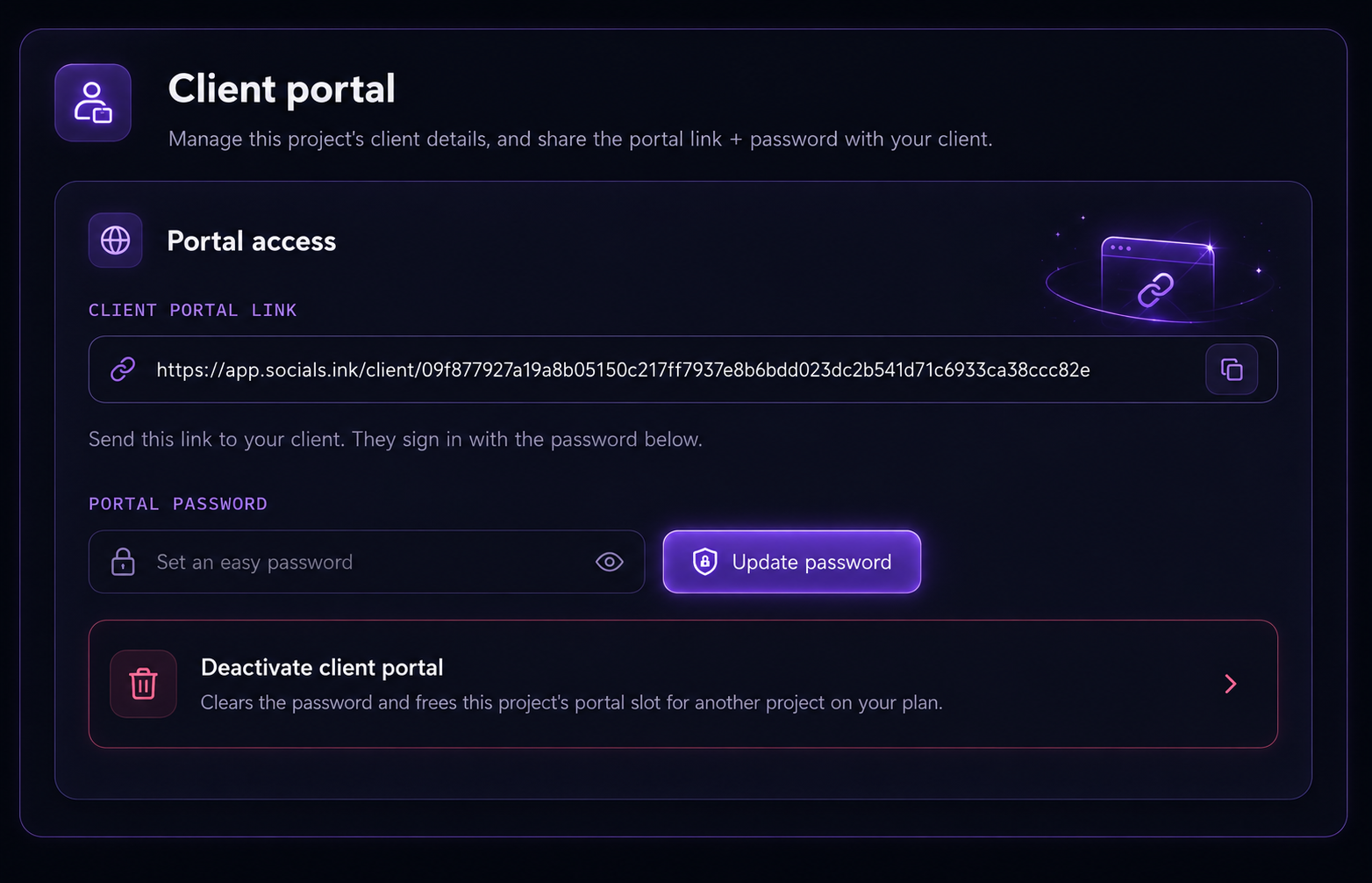
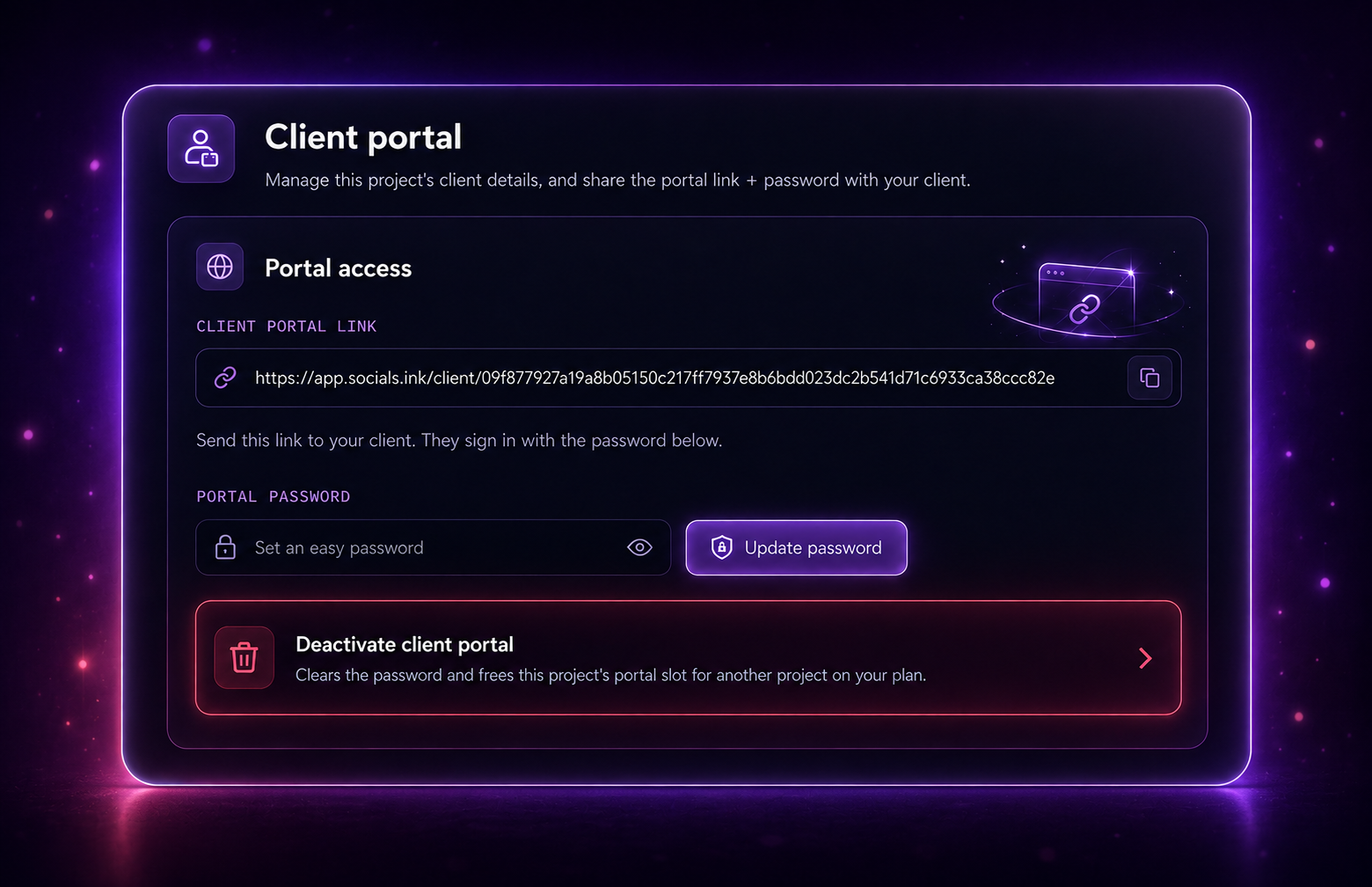
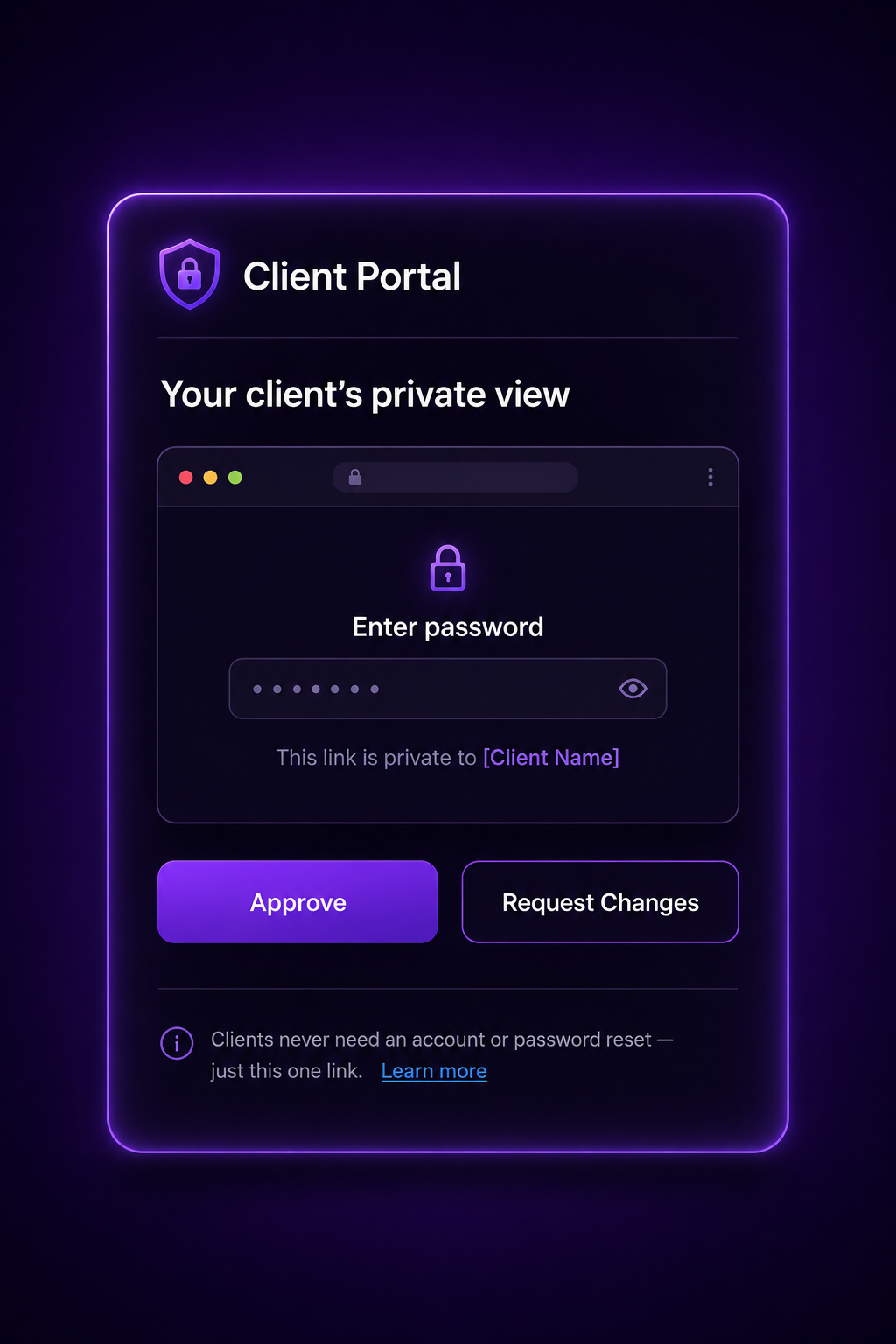
Client Portal password screen
Client Portal dashboard

No login required

Clients just click the link and enter a password — no account to create, no app to download, no learning curve.

Password-protected, always private

Every portal link is secured with its own password, so only the people you share it with can ever see a client's content.

Approve or request changes in one click

Clients review what's queued and either approve it instantly or leave feedback — no back-and-forth emails needed.

One dedicated portal per project

Every client gets their own separate portal slot — deactivate or reassign it any time as your projects change.

Client access

A private view, made just for them

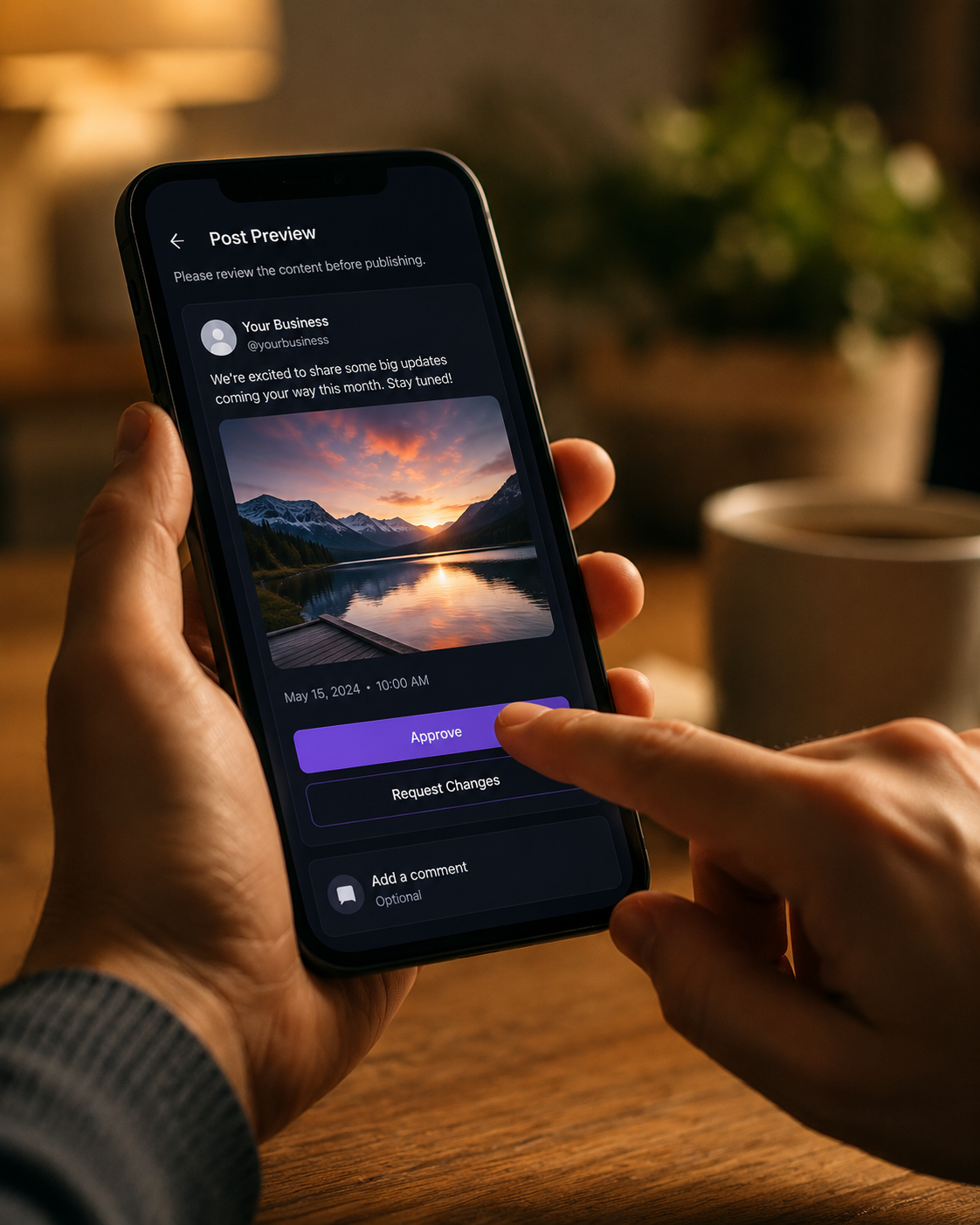
Share one password-protected link and your client sees exactly what's queued for approval — nothing more. No account to set up, no dashboard to learn, just a simple "Approve" or "Request Changes."

Try the Client Portal
Client Portal approval screen
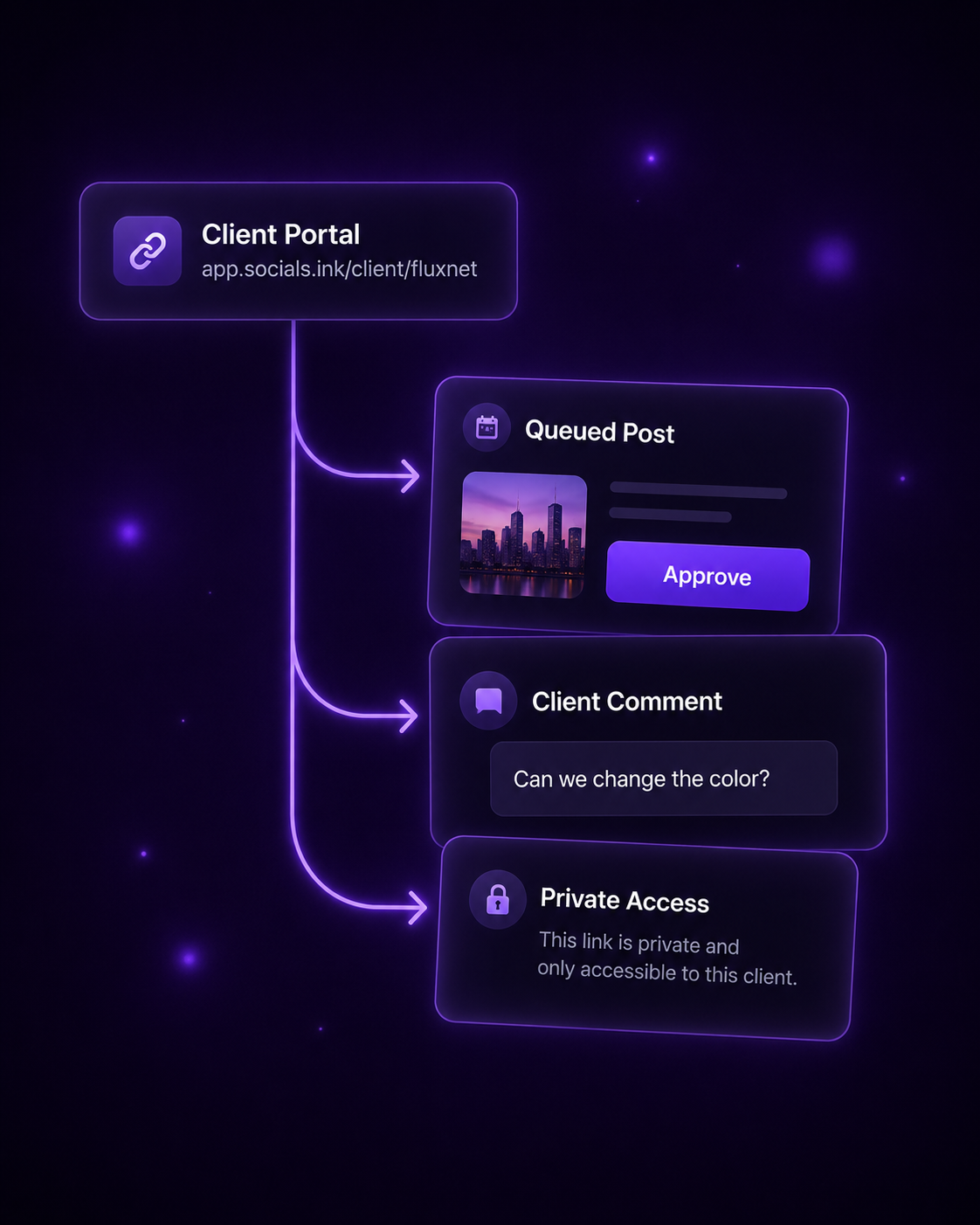
Client Portal single link, multiple actions
One link, every action

Approvals, comments and access — all in one place

Send a single portal link and your client can approve queued posts, leave a comment, or request a change — all from one private, password-protected page. No extra tools, no confusion.

Get started for free

Our clients used to make us wait days for a simple "yes." Now they just open their portal, tap approve, and we're publishing the same afternoon. It's completely changed how fast we can move.
KN Khansa Noor

FAQs

How does the Client Portal work?

Each project on socials.ink can generate its own dedicated Client Portal — a single password-protected link that shows your client only what's queued for their approval, without giving them access to your dashboard, other clients, or account settings.

You control the password and can update or deactivate it at any time from the project's settings.

Do my clients need to create an account?

No. Clients simply open the portal link and enter the password you've shared with them — no sign-up, no login credentials, no app to install.

Is the Client Portal included on every plan?

Every project includes one Client Portal slot by default. If you need more active portals across your projects, you can deactivate a portal you're no longer using to free up its slot, or upgrade your plan for additional capacity.

Can a client approve posts, or only view them?

Clients can do more than just view — they can approve queued posts, leave a comment, or request changes directly from the portal. Every action is reflected back in your dashboard instantly.

Is my client's data or account information shared with anyone?

No. The Client Portal only shows the specific project content you've queued for review. It doesn't expose your account, other client projects, billing details, or any information beyond what's needed for approvals.

Give every client a portal of their own

Get started for free

No credit card needed. Free forever.