Don't post and ghost
Want to grow? Reply to your comments everywhere, automatically.
Start replying nowNo comment left behind
Stay on top of every conversation so nothing slips through the cracks.
Filters & sorting
See unanswered, newest, or oldest comments at a glance.
Notifications
Get alerted the moment someone comments.
Cross-platform support
Manage comments across Instagram, Facebook, LinkedIn, Threads, Bluesky, X, TikTok, Google Business Profile, YouTube, and Mastodon — all in one place.
Replai — one AI inbox for every reply
AI-drafted replies, in every client's voice
Replai reads each conversation and drafts a response that matches that client's brand voice — review it, tweak it, and send in seconds.
Every DM and comment, one inbox
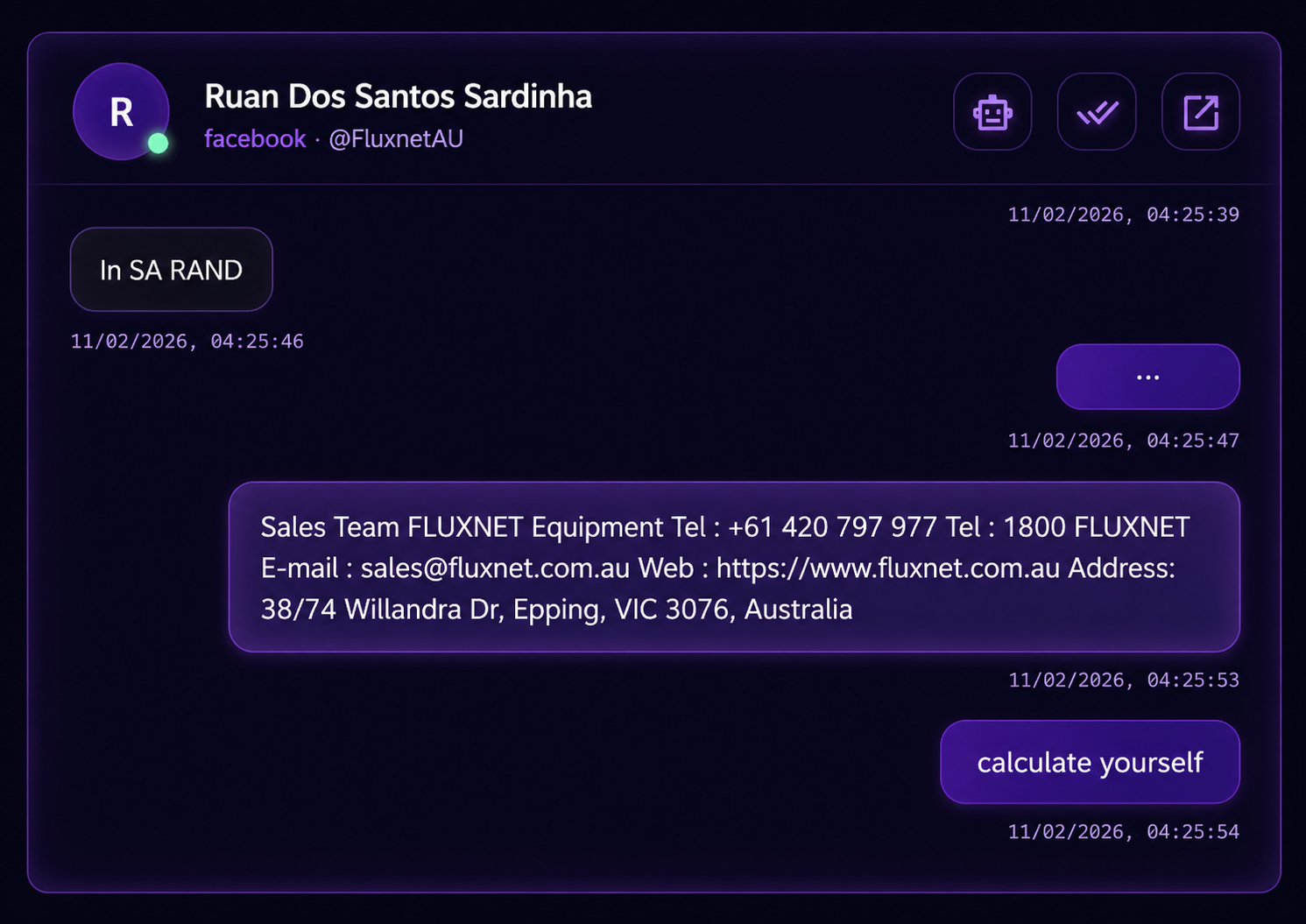
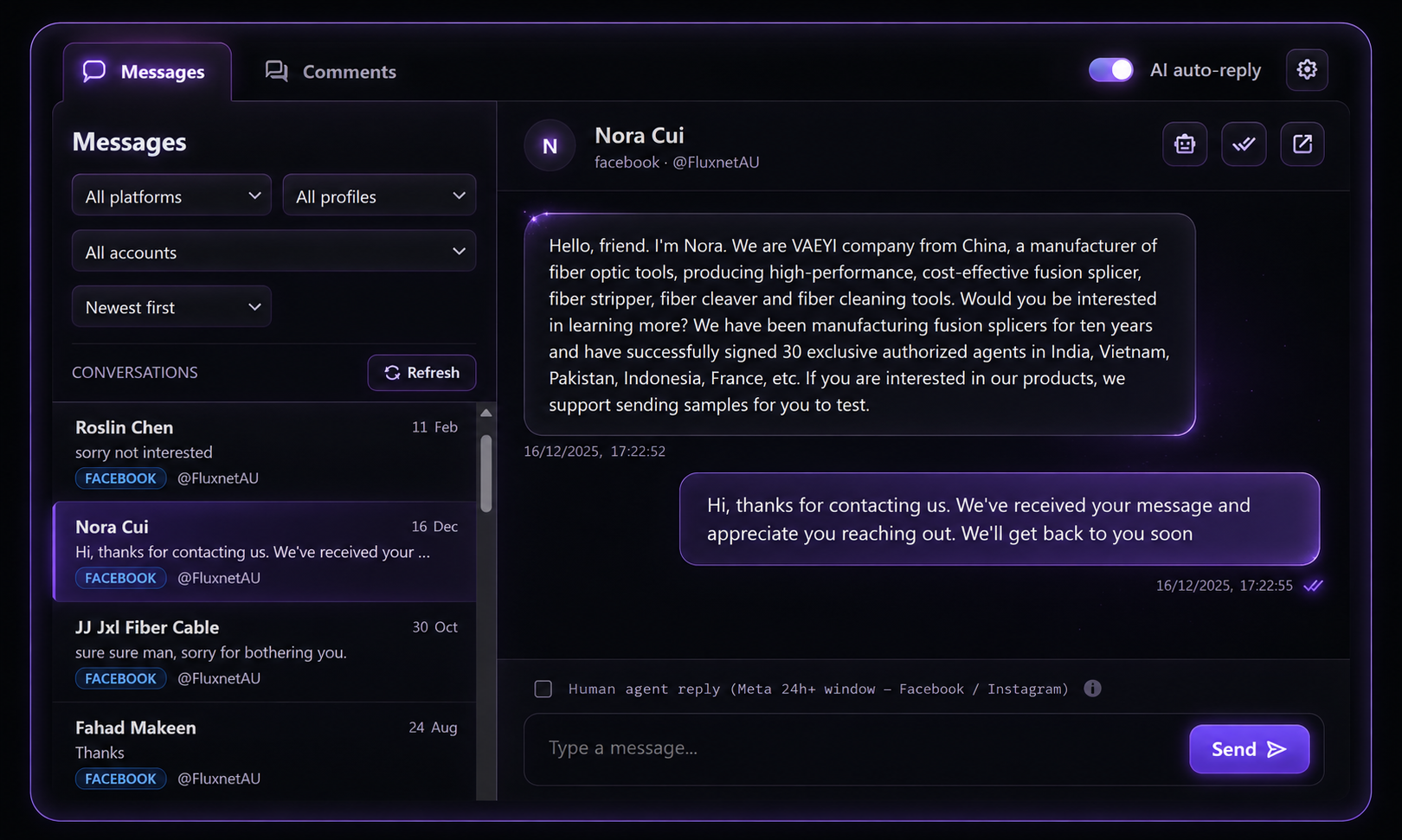
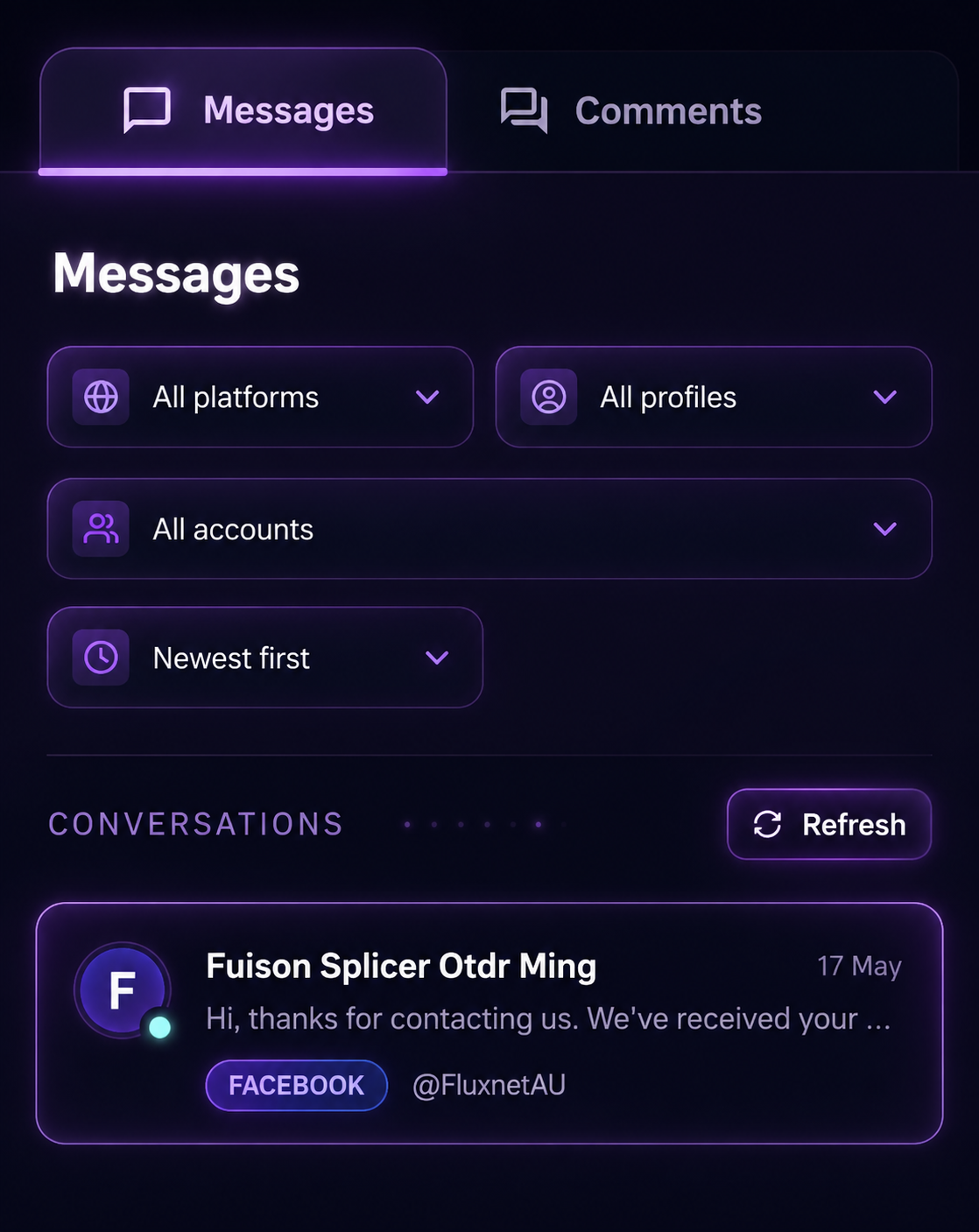
Stop switching between accounts. Every message across all your client channels lands in a single, unified inbox.
Auto-reply per client Toggle anytime
Let Replai auto-send on channels you trust, and keep every other reply human-reviewed before it goes out.
No comment left behind
Stay on top of every conversation so nothing slips through the cracks.
Comment analytics
Monitor response rates, peak activity times, and engagement metrics at a glance.
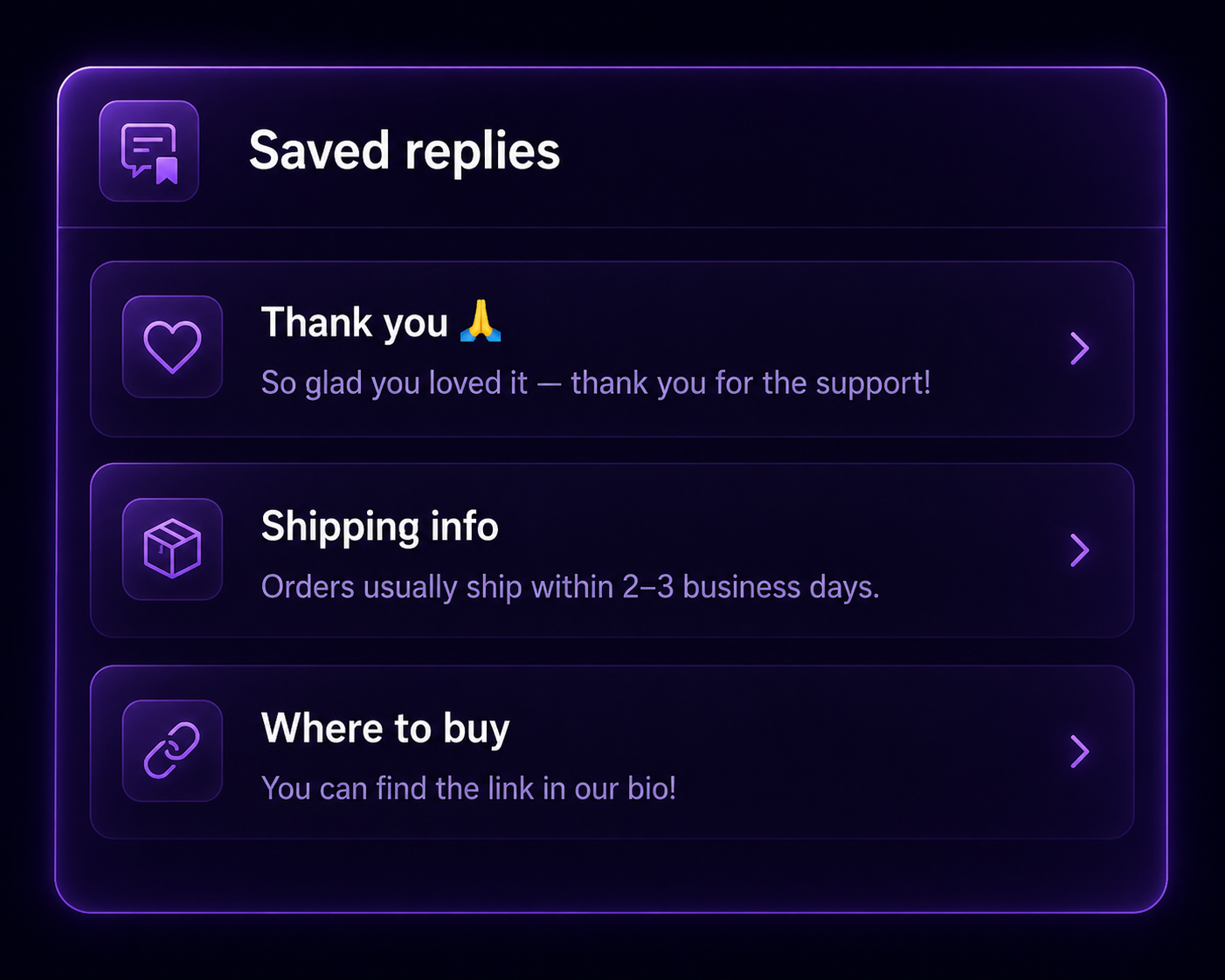
Saved replies
Store frequent answers and insert reusable templates instantly to reply in seconds.
Unified conversations
Track full conversation histories and manage replies across all social channels in one inbox.
FAQs
What is Socials.ink's Community feature?
Community is Socials.ink's calm, focused space for managing your comments across Instagram, Facebook, LinkedIn, Threads, Bluesky, X, TikTok, Google Business Profile, YouTube, and Mastodon. Instead of juggling multiple apps or getting lost in distracting feeds, you can reply, track, and grow all in one place.
How does Community help me grow on social media?
Every comment is an opportunity to connect. Community helps you:
- Stay on top of every reply with notifications and filters
- Build relationships instead of just firing off quick responses
- Spot engaging replies and turn them into new content
- Identify what resonates most with your audience to shape future posts
Which platforms does Community support?
You can manage comments from Instagram, Facebook, LinkedIn, Threads, Bluesky, X, TikTok, Google Business Profile, YouTube, and Mastodon.
What makes Community different from a social inbox?
Most social inboxes are built for support teams or large brands. Community is built for creators and small businesses who want to engage without distractions. It's a lightweight, free alternative that turns engagement into growth instead of just handling customer service tickets.
Do I have to reply inside Socials.ink?
No. Community is flexible to your workflow. You can reply directly inside Socials.ink or click through to reply natively on the platform.
Is Community free?
Yes. Community is included with every Socials.ink plan, at no extra cost.
How is Community different from Socials.ink's publishing tools?
Publishing helps you plan and schedule your posts. Community helps you follow through by replying to the comments those posts generate. Together, they close the loop between creating content and building relationships.
Can I use Community on mobile?
Yes. Community works on both web and mobile, so you can stay engaged whether you're at your desk or on the go.
What is Comment Score?
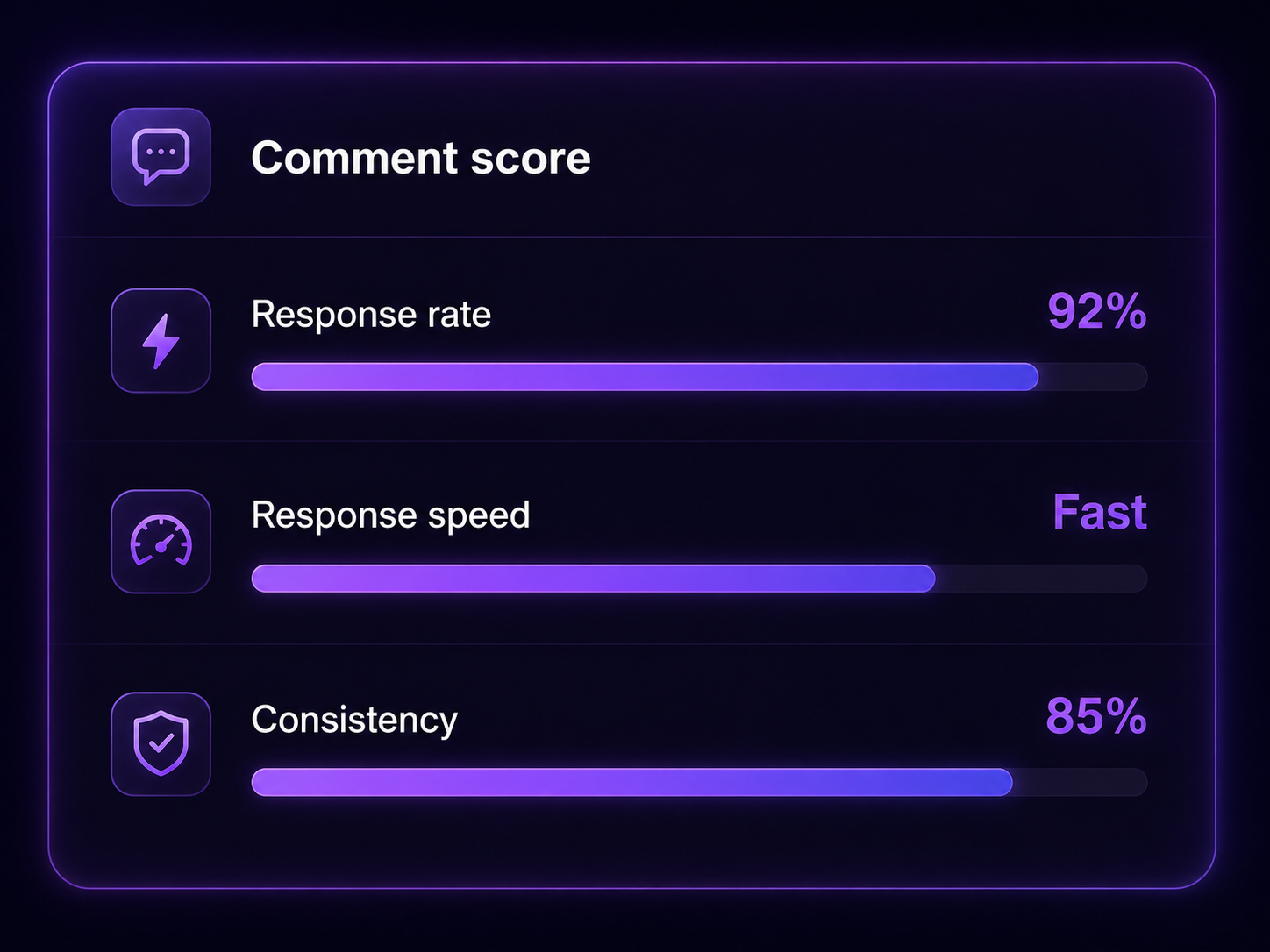
Comment Score is a built-in feature that tracks your response rate, speed, and consistency. It helps you stay motivated to reply quickly and keep building strong engagement habits.
Does Community include AI features?
Yes. You can use AI to generate draft replies in your voice, get insights into which comments are most engaging, and spot patterns in what your audience responds to.
Who should use Community?
Community is perfect for creators, side projects, and small businesses that want to:
- Keep up with comments without getting overwhelmed
- Build meaningful connections with their audience
- Turn everyday interactions into content ideas and growth