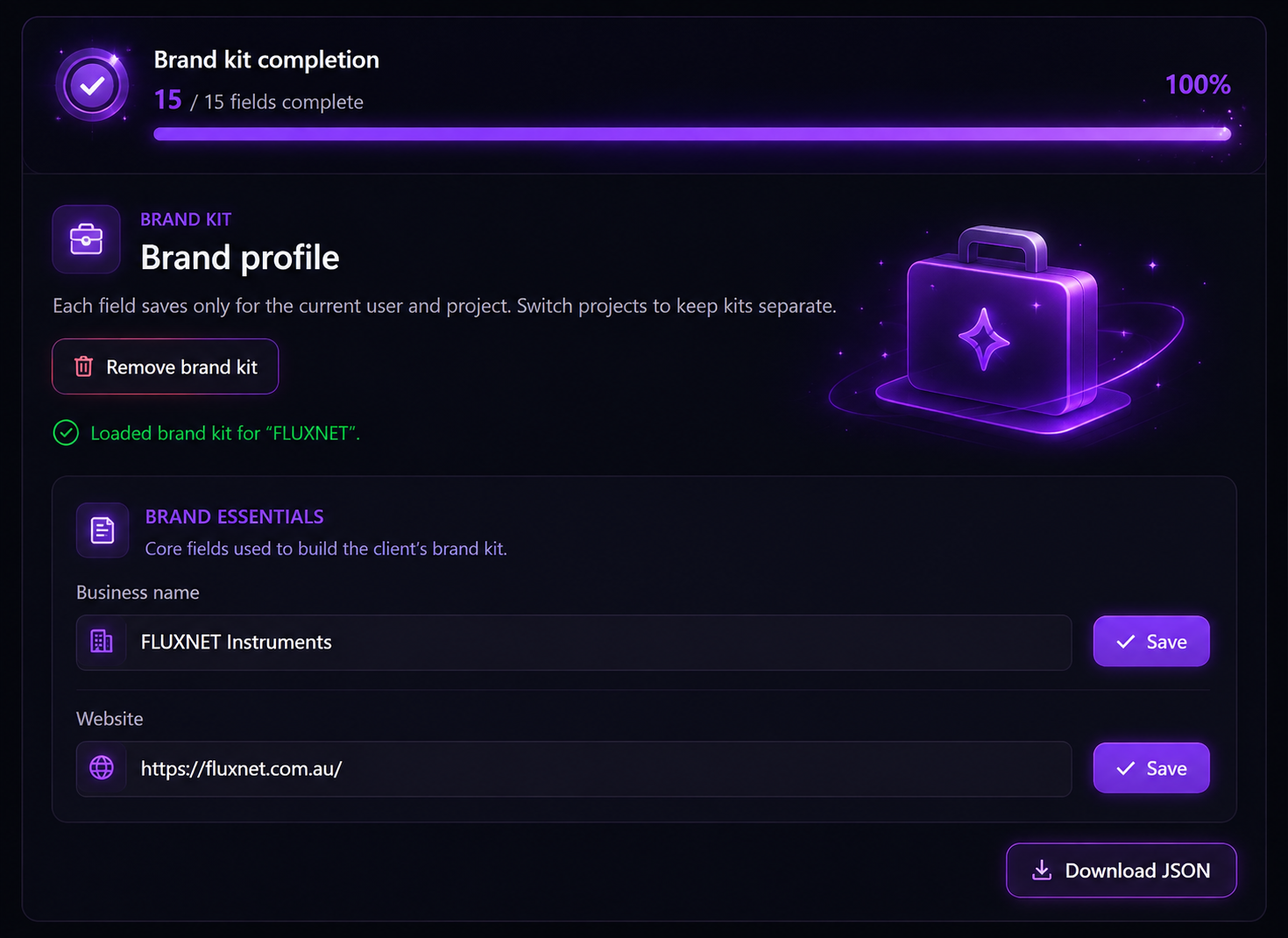
One brand kit. Every post on-brand.
Save each client's colors, logo, voice and business details once — and let it automatically shape every caption, image and post your AI generates for them.
Get started for freeOne kit, every client
Set up a dedicated Brand Kit per client — colors, logo, voice and business details, kept completely separate and organized.
Define it once
Fill in a client's brand essentials a single time — every field is saved and reused automatically for that project going forward.
Powers every AI output
AI Studio, captions and replies all pull straight from the Brand Kit — so nothing you generate ever feels off-brand.
Download and take it anywhere
Export the full Brand Kit as JSON any time — share it with teammates or plug it into other tools in seconds.
One kit, every detail covered
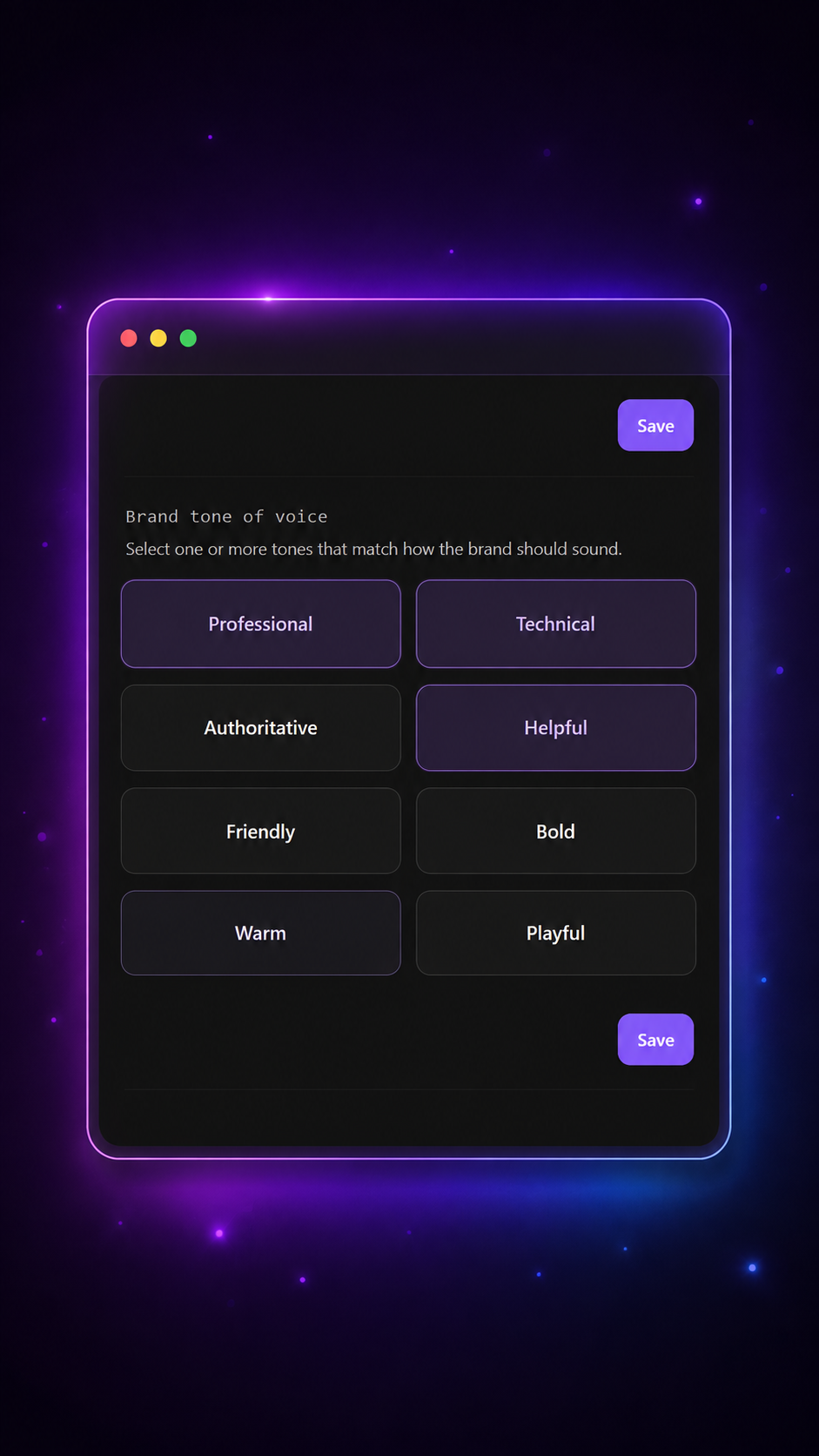
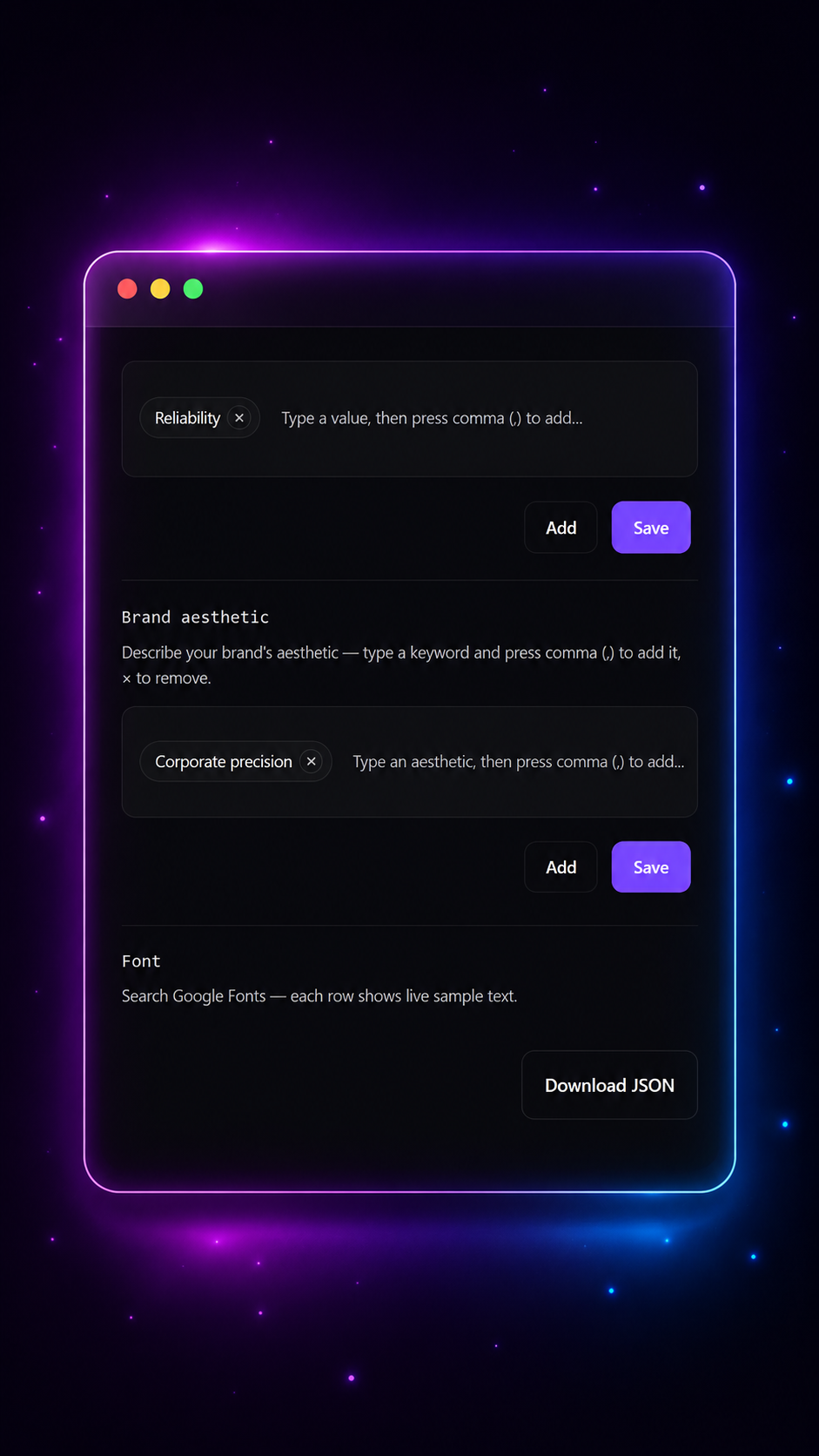
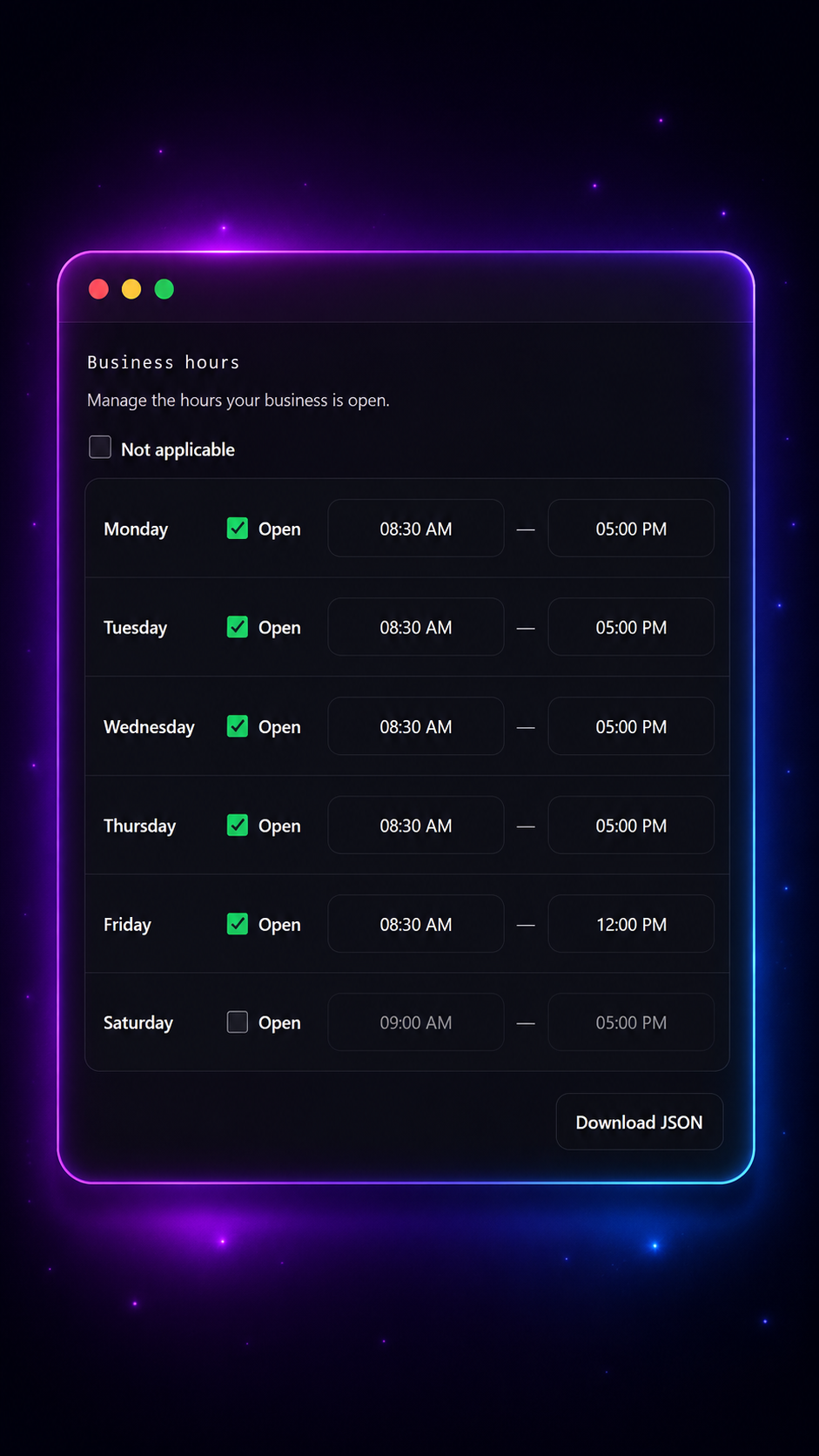
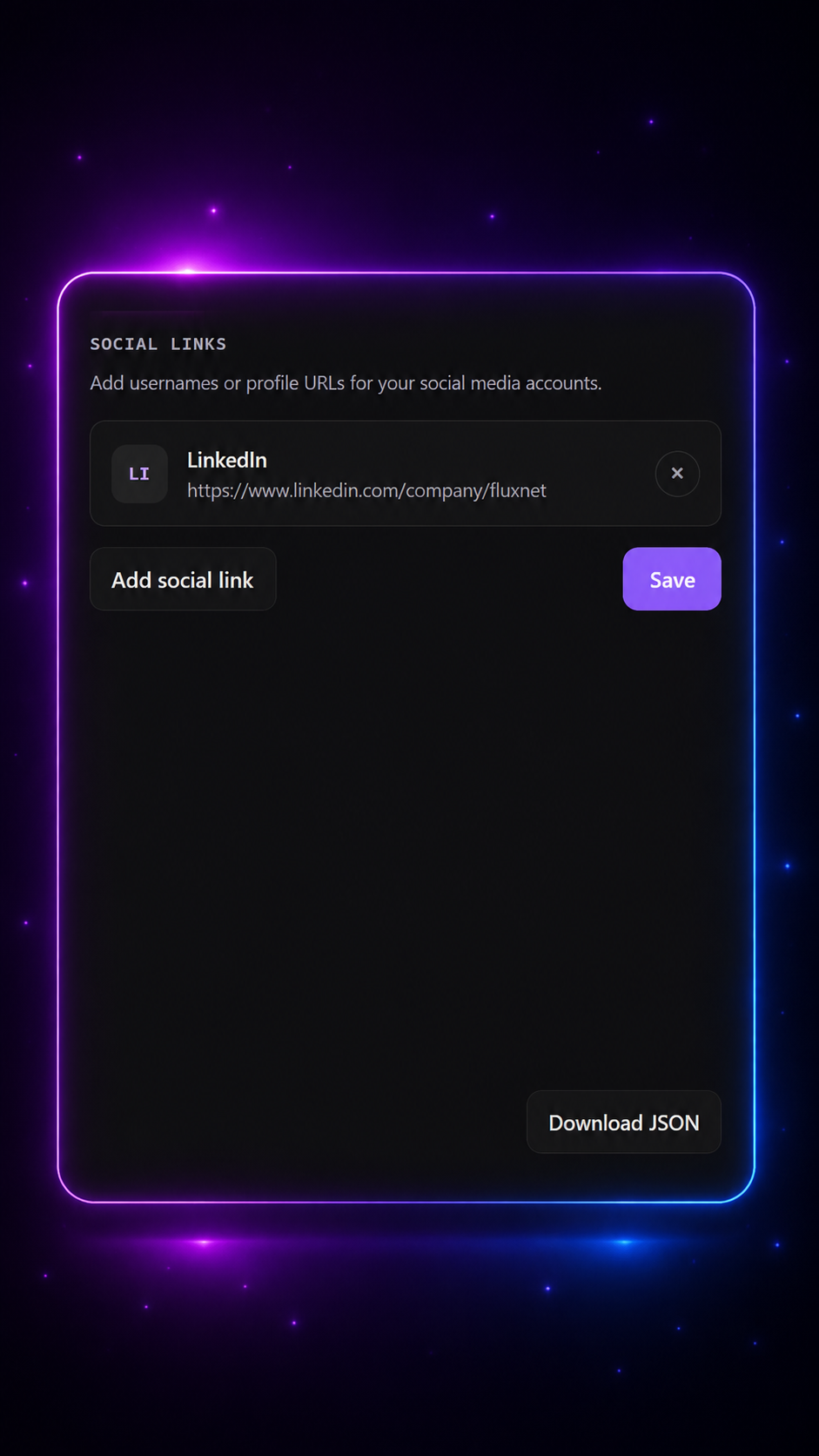
From tone of voice to business hours and social links — build a complete brand profile once, and every client stays perfectly organized and on-brand.
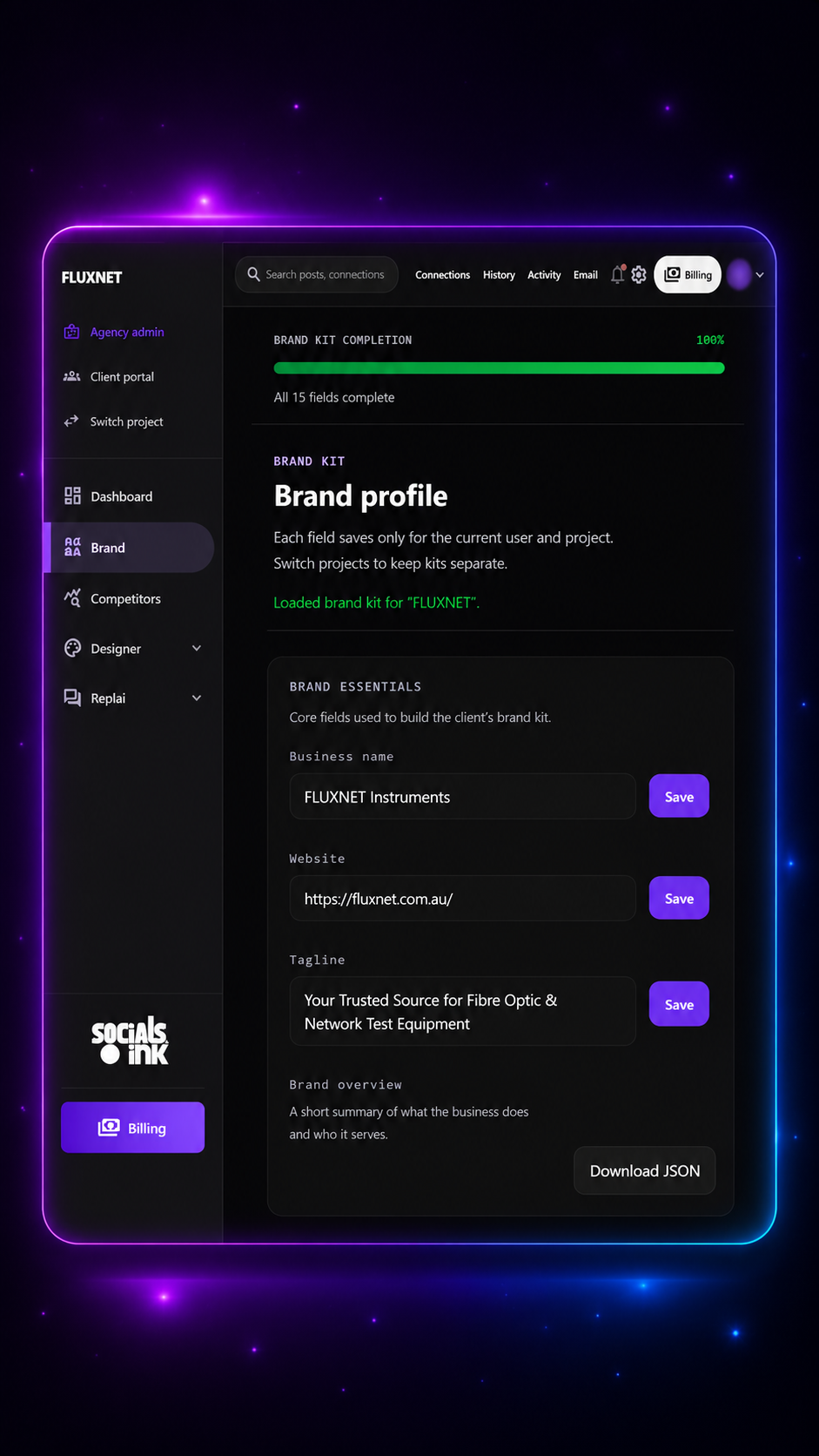
Set it once. It shows up everywhere.
No more re-explaining your brand every time you generate a post. Your Brand Kit's colors, tone of voice, and business details feed directly into AI Studio, captions, and Replai's replies — automatically, every time.
Get started for free
Brand kit completion
15 / 15 100%
“
The Brand Kit is the reason we finally stopped sending "wrong logo" corrections to clients. Set it up once, and every post just fits — colors, tone, everything.
The ultimate on-brand content playbook
Smart tips and strategies to keep every client's content consistent, polished, and unmistakably theirs.
Setting up your first Brand Kit
A walkthrough of all 15 fields — colors, logo, voice and business details — and how each one shapes your AI-generated content.
Managing brand kits across multiple clients
How to switch projects, keep every client's brand details separate, and avoid mixing up tone of voice between accounts.
Writing a tone of voice that actually sounds like you
Practical tips for filling out the voice field so AI Studio and Replai's replies sound like a real person, not a generic bot.
FAQs
Is the Brand Kit free to use?
Yes — every project on socials.ink includes a Brand Kit with 15 core fields covering colors, logo, voice and business details. Higher plans unlock additional customization and more saved kits per workspace.
Can each client have their own separate Brand Kit?
Absolutely. Each field saves only for the current project — simply switch projects from the sidebar to keep every client's brand kit completely separate and organized.
Does the Brand Kit actually affect AI-generated content?
Yes — AI Studio, captions and Replai's auto-replies all pull directly from the Brand Kit's tone of voice, aesthetic and business details, so every output stays on-brand automatically.
Can I export or back up a client's Brand Kit?
Yes — every Brand Kit can be downloaded as a JSON file at any time, so you always have a portable backup or can share it with teammates.
Give every client's content a brand it can trust
Get started for freeNo credit card needed. Free forever.